Loading
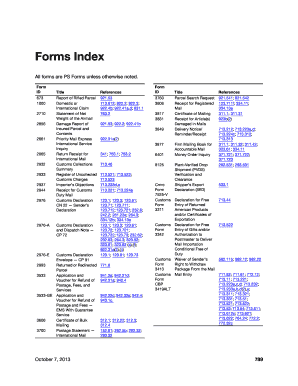
Get Ps Form 2856
How it works
-

Open form follow the instructions
-

Easily sign the form with your finger
-

Send filled & signed form or save
How to fill out the Ps Form 2856 online
Filling out the Ps Form 2856 online can be a straightforward process if you follow the right steps. This comprehensive guide will help you understand the form's components and provide clear instructions to complete it effectively.
Follow the steps to fill out the Ps Form 2856 online.
- Click the ‘Get Form’ button to access the form and open it in the editor.
- Review the form layout and familiarize yourself with its sections, which include personal information, claim details, and relevant references.
- Begin by entering your personal information in the designated fields, including your name, address, and contact details.
- Next, accurately fill out the claim details section. Ensure you provide all required information pertaining to your claim to avoid delays.
- If applicable, refer to the guidelines referenced in the form to ensure all data submitted is correct and complete.
- Once you have filled in all necessary fields, review your entries for accuracy and completeness.
- After verifying all information, you can save changes, download, print, or share the completed form as needed.
Start filling out your Ps Form 2856 online today for a smooth and efficient experience.
After receiving a completed online claim that includes all required supporting documentation for a payable claim, the Postal Service generally pays the claim within 5–7 business days.