Loading
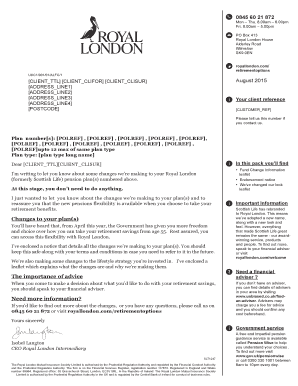
Get Letter From Royal London
How it works
-

Open form follow the instructions
-

Easily sign the form with your finger
-

Send filled & signed form or save
How to fill out the Letter From Royal London online
This guide provides step-by-step instructions on how to fill out the Letter From Royal London online. Whether you are a first-time user or returning to update your information, this guide aims to support you through the process clearly and effectively.
Follow the steps to fill out the Letter From Royal London online
- Click the ‘Get Form’ button to access the document and open it for editing.
- Identify your client reference number, which is a unique identifier for your account. This number is essential for any correspondence with Royal London.
- Fill in the personal details section with your full name and address. Make sure to use the correct format for your address, ensuring each component is placed in its respective field.
- In the plan number section, enter up to 12 plan reference numbers as listed in your correspondence from Royal London. Ensure you double-check for accuracy.
- Select the appropriate plan type from the given options, indicating the nature of your pension plan.
- Review the information provided in the letter to understand any changes and instructions that relate to your pension plan.
- When you have completed all sections, save your changes. You may also choose to download, print, or share the form as needed.
Complete your documents online for a smoother experience.
Related links form
On 31 December 2000 Royal London took over United Assurance Group plc. The transaction was the largest acquisition of a quoted UK company by a mutual. United Assurance Group itself had been formed by the merger of United Friendly and Refuge Assurance in October 1996.