Loading
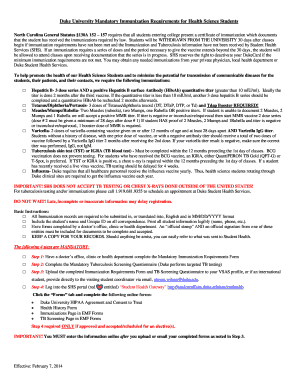
Get Dusom
How it works
-

Open form follow the instructions
-

Easily sign the form with your finger
-

Send filled & signed form or save
How to fill out the Dusom online
Filling out the Dusom online is an essential step for health science students at Duke University to meet the mandatory immunization requirements. This guide provides a clear, step-by-step approach to ensure that users can properly complete the form with the necessary information.
Follow the steps to complete the Dusom online.
- Click the ‘Get Form’ button to acquire the Dusom form and open it in the editor.
- Select your enrollment status from the options provided, which may include being a visiting student or enrolled in various health science programs.
- Have a licensed healthcare provider complete the section requiring their official stamp and signature, confirming all vaccinations have been administered.
- Log into the Student Health Services portal and complete any additional required forms listed under the ‘Forms’ tab.
Start completing your required documents online today to meet the health requirements.
It is preferred that all City, State, and ZIP Code information be on a single line. If that is not possible, the ZIP Code, including the ZIP+4 Code, may be placed below the city/state information. However, when compressing line #11, do not remove the hyphen between the ZIP Code and the ZIP+4 add-on code.