Loading
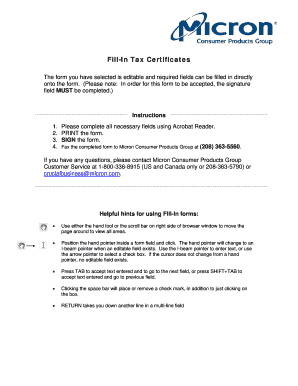
Get 60-0081.indd. Forms
How it works
-

Open form follow the instructions
-

Easily sign the form with your finger
-

Send filled & signed form or save
How to fill out the 60-0081.indd. Forms online
This guide provides clear, step-by-step instructions for completing the 60-0081.indd. Forms online. Whether you are new to digital forms or have some experience, this guide will help you navigate the process with confidence.
Follow the steps to successfully complete the 60-0081.indd. Forms online.
- Press the ‘Get Form’ button to access the form and open it in your preferred editing application.
- Begin by filling in the seller information at the top of the form. Enter the name and complete address of 'Micron Consumer Products Group'.
- In the purchaser information section, provide your business name as exactly stated on your business tax permit. Include your street address, city, state, country, and zip code.
- For purchases made in multiple states or countries, provide each state or country and the respective permit or identification number where the goods will be resold.
- Indicate whether this is a single purchase certificate or a blanket certificate by selecting the appropriate checkbox.
- Review all filled fields to ensure accuracy. Once completed, print the form.
- After completing the sign-off, fax the form to Micron Consumer Products Group at (208) 363-5560. You can also save changes, download, or share the completed form as needed.
Start filling out your documents online today for a seamless experience!