Loading
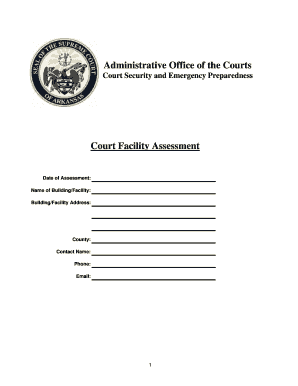
Get Court Facility Assessment
How it works
-

Open form follow the instructions
-

Easily sign the form with your finger
-

Send filled & signed form or save
How to fill out the Court Facility Assessment online
The Court Facility Assessment is a crucial document used to evaluate the security and preparedness of court facilities. This guide provides clear, step-by-step instructions to help users fill out the assessment accurately and efficiently.
Follow the steps to successfully complete the Court Facility Assessment online.
- Press the ‘Get Form’ button to retrieve the Court Facility Assessment form and access it for editing.
- Begin by filling in the date of the assessment, name of the building or facility, and its address.
- Provide information about the county, including the contact name, their phone number, and email address.
- Answer the parking-related questions by selecting 'Yes' or 'No' for each query regarding parking area provision, security measures, and lighting.
- Continue to the building security section, ensuring to answer whether the building has an intrusion alarm, monitoring services, and fire safety installations. Fill in details as required, especially for items that require clarification.
- Proceed to interior security questions. Verify if elevators are available and if non-public areas are secured. Indicate the controls in place for keys and the procedure for searching public areas.
- Complete the courtroom section, detailing if the courtroom can be locked, if there are separate entrances for various roles, and the existence of emergency and screening measures.
- In the court-related offices section, indicate the types of offices present and their security measures, especially if they manage cash or confidential files.
- Fill in the details regarding victim/witness rooms and jury deliberation room security measures.
- Finalize by answering questions about prisoner movement, holding areas, and add any comments or additional information needed.
- After completing all sections, remember to save your changes. You can also download, print, or share the Court Facility Assessment as necessary.
Complete your Court Facility Assessment online today.