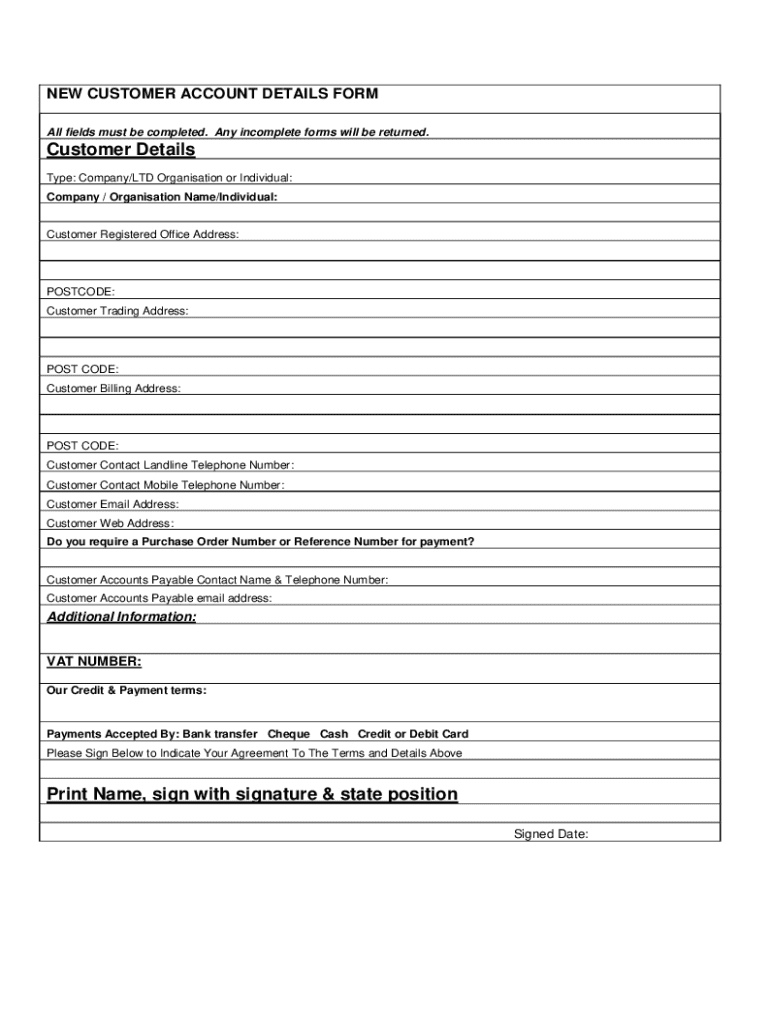
Choice Hotels International New Customer Account Setup Form Thank you for choosing $$$ ON THE NET ! In order for Shift4 to accurately set up your Customer account, you must complete this New Customer.
Loading

Open form follow the instructions

Easily sign the form with your finger

Send filled & signed form or save
How to fill out the Choicehotels Com Accountsetup online
This guide provides a clear, step-by-step approach to filling out the Choice Hotels International New Customer Account Setup Form online. By following these instructions, users can efficiently complete their account setup for $$$ ON THE NET®.
Follow the steps to successfully complete the account setup form.
- Click the ‘Get Form’ button to access the New Customer Account Setup Form and open it in the editor.
- Fill in the 'Property Account Information' section with accurate details such as Property Code, Property Name, Address, City, State, Zip, and Telephone number.
- Identify the 'Property General Manager' by providing their name, title, telephone, fax, and email address. This person will be the primary contact for setup.
- For the 'Property Owner or Secondary Contact' section, enter the details of the owner or secondary contact at the property. If this person is the same as the previous contact, you may enter 'SAME' in the Owner/2nd Contact field.
- Complete the 'Property Merchant Services Provider (MSP) Information' section. Include the MSP Company Name, MSP Contact, Processor Platform, and all related contact information.
- Double-check all fields to ensure that each one is completed accurately. Missing information can delay the account setup process.
- After verifying the form, save your changes, then choose to download, print, or share the completed New Customer Account Setup Form as required.
Start completing the Choice Hotels International New Customer Account Setup Form online today!
Experience a faster way to fill out and sign forms on the web. Access the most extensive library of templates available.
Related content
Account Setup: Describe all portions and procedures for account setup (new or...
Nov 28, 2016 — ... simply go to http://perksatwork.com, click on “Account Setup,”...
Allows access to the BDS Hotel Mode Setup Menu via BDS Setup Remote or via normal Remote...
Get answers to your most pressing questions about US Legal Forms API.
How do I check my Choice Privileges points?
You can view your Choice Privileges statements anytime by accessing your online account on choicehotels.com. Sign into your account. Click on the "Stay Activity" link in the left navigation. Use the drop down box to select the statement period you wish to view.
How do I transfer my Choice Privileges points?
Log in to your Choice Privileges account. Set your loyalty program earning preference to Choice Privileges here. Link your other rewards programs. Accept the terms. Start transferring!
How do I contact Contact Choice Privileges?
Choice Privileges Reservations: 800-521-2121. Available 24/7. Choice Privileges Service Center: 888-770-6800 or ihelp@choicehotels.com. Available 24/7. Choice Privileges Visa: 866-263-2058. Available 24/7. Barclaycard Customer Service: 866-599-5070. Available 24/7. APPLY FOR A CHOICE PRIVILEGES VISA.
How do I find my Choice Privileges number?
You can find your member number on your reservations, invoices or any email from Choice Hotels.
How many points do you need for a free night at Choice Hotels?
A free night at most Choice locations requires more than 8,000 points; reward nights at locations worldwide are available from 6,000 to 35,000 points (excluding Asia-Pac, where reward nights require up to 75,000 points). Point requirements may vary based on time of year.
How many Choice Privileges reward points do I have?
Sign into your Choice Privileges account and make sure you have at least 6,000 points. Make sure that Special Rate is set to Reward Points and book a room at a hotel that offers reward nights for 8,000 points or more. Click on the Points Plus Cash tab to book.
How do I redeem my choice rewards points?
Sign into your Choice Privileges account and make sure you have at least 6,000 points. Make sure that Special Rate is set to Reward Points and book a room at a hotel that offers reward nights for 8,000 points or more. Click on the Points Plus Cash tab to book.
How do I check my choice rewards points?
You can view your point forfeiture date on your Choice Privileges account page either on ChoiceHotels.com or through the mobile app.
Use professional pre-built templates to fill in and sign documents online faster. Get access to thousands of forms.
If you believe that this page should be taken down, please follow our DMCA take down process here.