Loading
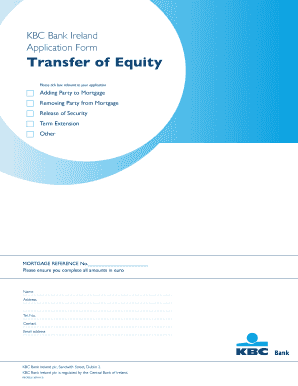
Get Kbc Money Transfer Receipt Form
How it works
-

Open form follow the instructions
-

Easily sign the form with your finger
-

Send filled & signed form or save
How to fill out the Kbc Money Transfer Receipt Form online
Filling out the Kbc Money Transfer Receipt Form online is a straightforward process that requires careful attention to detail. This guide provides clear instructions to assist users in completing the form accurately and efficiently.
Follow the steps to successfully complete the Kbc Money Transfer Receipt Form online.
- Click the ‘Get Form’ button to access the Kbc Money Transfer Receipt Form and open it in the editing interface.
- Begin by filling in your personal details. Ensure that you include your name, address, telephone number, and email address in the corresponding fields.
- Next, provide specific information about the transaction. This may include the details of the transfer, such as the amount in euro and the purpose of the transfer.
- If applicable, include details of any parties involved in the transaction, whether adding or removing from the mortgage. Ensure all relevant parties' names and identification details are recorded.
- Complete the 'Employment details' section accurately, specifying your current employment status and providing required documentation, such as payslips or accountant reports if self-employed.
- Carefully review the legal and declaration sections at the end of the form. Make sure to sign and date where indicated to validate your application.
- Once all sections are completely filled, take a moment to review your entries for any errors or omissions. Then, save your changes and choose to download, print, or share the completed form as needed.
Take action now by filling out the Kbc Money Transfer Receipt Form online to ensure a smooth transaction process.
You should be able to obtain a proof of payment from your online banking system or from your sending bank directly. Typically, if you completed your payment by domestic bank transfer, you can obtain a bank receipt. If you completed your payment by international bank transfer, you can obtain a SWIFT MT103 document.