Loading
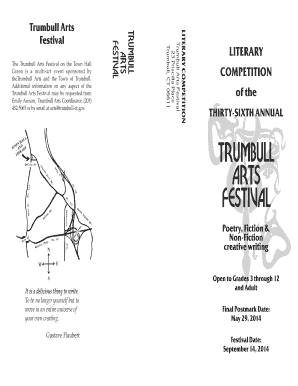
Get Trumbull Arts Literary Competition Form
How it works
-

Open form follow the instructions
-

Easily sign the form with your finger
-

Send filled & signed form or save
How to fill out the Trumbull Arts Literary Competition Form online
Filling out the Trumbull Arts Literary Competition Form online is an essential step for participants looking to showcase their creative writing. This guide provides clear instructions on how to successfully complete the form with ease.
Follow the steps to complete your application accurately.
- Press the ‘Get Form’ button to access the competition form and open it in your preferred editor.
- Begin by filling in your writer's name in the designated field. Ensure that it is clearly written without any abbreviations or nicknames.
- Provide your home address, including city, state, and zip code. Be precise to avoid any delays in communication.
- Select the appropriate category for your submission by checking the corresponding box for poetry, fiction, or non-fiction.
- Indicate your division by checking the box that corresponds to your grade level or age group, such as elementary school, middle school, high school, or adult.
- Write down the name of the work you are submitting. Make sure this is the official title of your piece.
- If applicable, provide the name of your teacher in the respective field to confirm your enrollment in a school program.
- Acknowledge the statement regarding plagiarism by signing your name on the signature line. This certifies that your entry is your own original work.
- Once all fields are complete, review your entries for accuracy and clarity. Ensure you have adhered to all specified competition rules.
- You can now save changes, download, print, or share the filled form as required before submission.
Submit your completed Trumbull Arts Literary Competition Form online and share your creativity with the world!