Loading
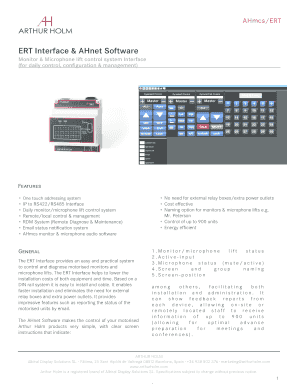
Get Ert Interface & Ahnet Software
How it works
-

Open form follow the instructions
-

Easily sign the form with your finger
-

Send filled & signed form or save
How to fill out the ERT Interface & AHnet Software online
The ERT Interface & AHnet Software is designed to simplify the control and management of motorised monitors and microphone lifts. This guide will provide you with a comprehensive overview of how to complete the online form effectively.
Follow the steps to fill out the ERT Interface & AHnet Software online.
- Click ‘Get Form’ button to obtain the form and open it in the editor.
- Begin by entering your user information in the provided fields. This may include your name, contact details, and organization.
- Fill out the section for device identification, where you will specify the number and types of motorised monitors and microphone lifts you intend to control.
- In the control settings, select the operational mode that best suits your needs, such as local or remote management options.
- Configure the naming options for each unit—this includes descriptive labels for monitors and microphone lifts to ensure easy identification.
- Set up the email notifications for device status updates to keep track of the operational health of your systems.
- Review all entered information for accuracy before finalizing.
- Once satisfied with your entries, you can either save changes, download, print, or share the form as needed.
Start filling out your ERT Interface & AHnet Software form online today.
Industry-leading security and compliance
US Legal Forms protects your data by complying with industry-specific security standards.
-
In businnes since 199725+ years providing professional legal documents.
-
Accredited businessGuarantees that a business meets BBB accreditation standards in the US and Canada.
-
Secured by BraintreeValidated Level 1 PCI DSS compliant payment gateway that accepts most major credit and debit card brands from across the globe.