Loading
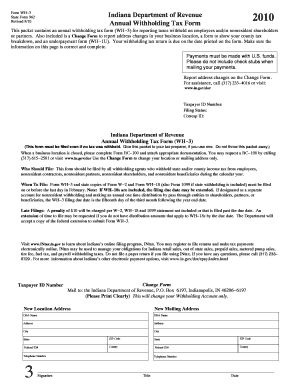
Get 2019 Indiana State Form 962
How it works
-

Open form follow the instructions
-

Easily sign the form with your finger
-

Send filled & signed form or save
How to fill out the 2019 Indiana State Form 962 online
Filling out the 2019 Indiana State Form 962 can be straightforward with clear guidance. This comprehensive guide will lead you through each section of the form, ensuring you understand what information to provide and how to complete the process online.
Follow the steps to successfully complete the 2019 Indiana State Form 962 online.
- Click ‘Get Form’ button to obtain the form and open it in your desired format.
- Enter your taxpayer ID number in the designated field, ensuring it's accurate and corresponds to your business.
- Select your filing status from the provided options. This may include options based on your type of business and tax situation.
- Fill in the corresponding correspondence ID if applicable. This helps the state department link your form to your specific tax account.
- Complete the lines related to Indiana state income tax withheld. You will need to aggregate information from Forms W-2, WH-18, and 1099.
- If you are claiming an overpayment, complete the overpayment line accurately and refer to additional guidance if necessary.
- Review all entered information for accuracy to avoid potential penalties. Ensure all fields are complete and clear.
- Once finished, save your changes. You can download, print, or share the completed form as required.
Complete your documents online to ensure timely submissions and avoid penalties.
The IRS does have systems in place to catch many common mistakes on tax returns, but not all errors will be flagged. Filing the 2019 Indiana State Form 962 accurately can reduce your chances of problems. It is wise to review your return for errors or consider professional help to ensure accuracy. Platforms like uslegalforms provide checks and resources that can help prevent mistakes before submission.