Loading
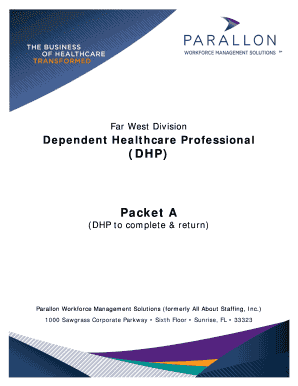
Get Dhp Parallon
How it works
-

Open form follow the instructions
-

Easily sign the form with your finger
-

Send filled & signed form or save
How to fill out the Dhp Parallon online
This guide provides a comprehensive overview of how to fill out the Dhp Parallon application online. It is designed to assist users in completing the required fields accurately and efficiently, ensuring compliance with all necessary requirements.
Follow the steps to complete your Dhp Parallon application online.
- Click ‘Get Form’ button to obtain the form and open it in the editor.
- Carefully read the instructions on the form before proceeding to fill out your personal information, including name and contact details.
- Complete the section regarding your DHP type and professional license, ensuring that all information is accurate and current.
- Indicate the facilities you are applying to by checking the relevant boxes under the 'Facilities' section.
- Fill out the patient care areas where you intend to provide services, making sure to check all applicable areas.
- Affirm your responsibilities as a DHP by reviewing the outlined points and signing the acknowledgment section.
- Attach all required documents as listed in the checklist, ensuring that each document is current and meets the outlined criteria.
- Verify that all fields are completed and all documents are attached before submitting your application.
- After submission, monitor your email for a link from geninfo@pangea.com to complete your background check.
- Save changes, download, print, or share the completed form as needed.
Begin your Dhp Parallon online application now to ensure a smooth credentialing process.
To open a DHP file, you need compatible software that supports this format. Often, DHP files must be accessed through the specific programs that created them. Utilizing DHP Parallon tools can simplify the process of opening and managing your DHP files, enhancing your overall productivity.
Industry-leading security and compliance
US Legal Forms protects your data by complying with industry-specific security standards.
-
In businnes since 199725+ years providing professional legal documents.
-
Accredited businessGuarantees that a business meets BBB accreditation standards in the US and Canada.
-
Secured by BraintreeValidated Level 1 PCI DSS compliant payment gateway that accepts most major credit and debit card brands from across the globe.