Loading
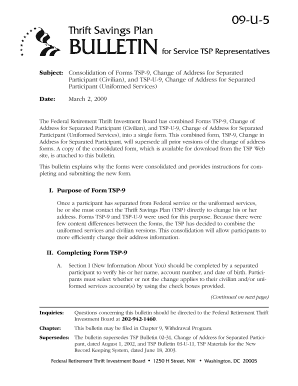
Get Tsp Form 9
How it works
-

Open form follow the instructions
-

Easily sign the form with your finger
-

Send filled & signed form or save
How to fill out the Tsp Form 9 online
Filling out Tsp Form 9 online is a straightforward process designed to help separated participants update their address information with the Thrift Savings Plan. This guide will provide you with a step-by-step approach to ensure your form is completed accurately and efficiently.
Follow the steps to successfully complete your Tsp Form 9.
- Click ‘Get Form’ button to obtain the form and open it in the editor.
- In Section I, enter your personal information. Verify your name, TSP account number, and date of birth. Use the check boxes to indicate which accounts (civilian and/or uniformed services) the change applies to.
- Move to Section II to provide your new address. Be sure to fill in your current street address, city, state, and zip code. If you have a foreign address, check the box provided and follow the special instructions for foreign addresses.
- For foreign addresses, ensure you provide the country name in full in the designated field. Review the addressed examples carefully for adherence to formatting requirements.
- In Section III, sign and date the form. Certify that all information you provided is true to the best of your knowledge, as an unsigned form will be rejected.
- After completing the form, save your changes, and then proceed to print or download the document to submit it.
- Submit the completed form by either mailing or faxing it to the TSP address or fax number indicated in the instructions.
Take action today and complete your Tsp Form 9 online!
Related links form
To begin a TSP rollover, fill out the TSP Form 9 to authorize the transfer of your funds. Make sure to provide your new account details for a smooth transaction. It's important to follow the guidelines set by the TSP to avoid any tax consequences. If you're unsure about any steps, US Legal Forms offers valuable resources and assistance to help you through the rollover process.