Loading
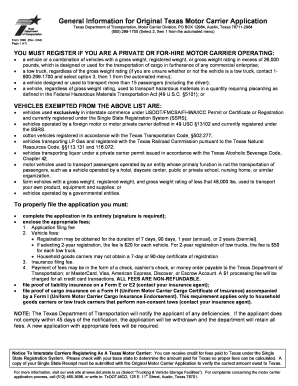
Get Txdot Form 1899
How it works
-

Open form follow the instructions
-

Easily sign the form with your finger
-

Send filled & signed form or save
How to fill out the Txdot Form 1899 online
Filling out the Txdot Form 1899 online is an essential step for private or for-hire motor carriers operating in Texas. This guide will provide you with clear, step-by-step instructions to help you complete the form effectively.
Follow the steps to complete the form online.
- Click ‘Get Form’ button to obtain the form and open it for editing.
- Enter the name of the motor carrier in the designated field. This should match any official documentation.
- Provide the physical and mailing addresses, ensuring to fill out each section accurately, including city, state, and zip code.
- Indicate the type of motor carrier operation by checking the appropriate boxes for 'Hazardous Materials', 'Tow Truck', 'Passenger', 'Household Goods', or others.
- Specify the registration duration, whether it is for 7-day, 90-day, 1-year, or 2-year registration, and include the corresponding fees.
- Fill out the insurance requirements section, indicating the necessary coverage types and limits required for your operation.
- Sign the application to certify that all information is true and accurate. Make sure that the signature is in accordance with your legal authority.
- Review the completed form for accuracy and completeness to prevent delays in processing.
- Save any changes made to the form, and then download, print, or share the form as required.
Take action now and complete your Txdot Form 1899 online to ensure compliance as a motor carrier.
To obtain your TX TxDOT number, visit the TxDOT website or your local office for the application process. You will need to provide specific details about your vehicle and business if applicable. Make sure to have the TxDOT Form 1899 completed, as it can help facilitate the process smoothly.