Loading
Get Airtel Mitra
How it works
-

Open form follow the instructions
-

Easily sign the form with your finger
-

Send filled & signed form or save
How to fill out the Airtel Mitra online
Filling out the Airtel Mitra form online can be a straightforward process if you follow the right steps. This guide will provide you with detailed instructions to ensure you complete the form accurately and efficiently.
Follow the steps to fill out the Airtel Mitra form online.
- Click ‘Get Form’ button to obtain the Airtel Mitra form and open it in your preferred editor.
- Begin by entering the name of your team in the designated field. Ensure the name reflects the organization or group correctly.
- Next, fill in the date of submission. This is crucial for keeping track of your registration.
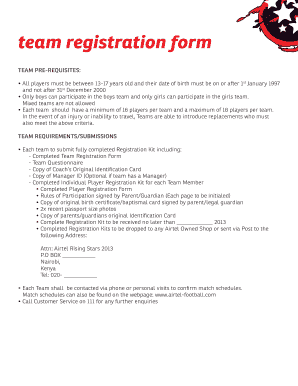
- Select the type of team by ticking one of the options: School Team, Community Team, or Football Academy.
- In the location section, specify where your team plays. Providing a precise location helps with logistics.
- Indicate the gender of your team by ticking either Boys or Girls.
- State the number of players in your team, choosing either 16 players or 18 players, depending on your team size.
- Fill in the Team Coach's name, ID number, signature, contact telephone, and email address.
- If applicable, provide the Team Manager's name, ID number, signature, contact telephone, and email address.
- Document the town where your team plays in the provided section.
- List each player along with their full names, date of birth, age, and the position they will play.
- Review the declaration statement for correctness. Sign as the responsible person for the team, ensuring to confirm the information's accuracy.
- Complete the signing process for the coach and, if required, the headmaster/manager. Enter the date when the signatures were affixed.
- Once all fields are complete and accurate, save the changes, and keep a copy for your records. You are also encouraged to download, print, or share the form as needed.
Complete the Airtel Mitra registration form online today to secure your team's spot!
To register for Airtel merchant, simply visit the Airtel Mitra app or website. Click on the 'Register' option and provide your business details, along with your mobile number. After verification through an OTP, you will officially be part of the Airtel Mitra merchant network.