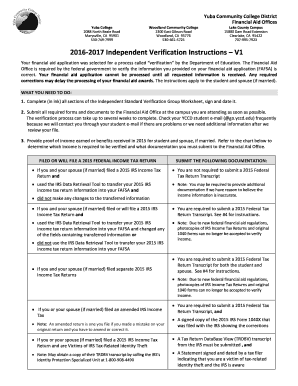
Get Yccd Independent Verification Worksheet – V1 2016
How it works
-

Open form follow the instructions
-

Easily sign the form with your finger
-

Send filled & signed form or save
How to fill out the YCCD Independent Verification Worksheet – V1 online
The YCCD Independent Verification Worksheet – V1 is a crucial document required for verifying your financial aid application. This guide provides clear, step-by-step instructions to help you complete the form effectively and ensure the timely processing of your financial aid.
Follow the steps to fill out the form accurately.
- Press the ‘Get Form’ button to access the worksheet and open it in your editor.
- Complete section A, which requires your student information. Fill in your last name, first name, middle initial, social security number, mailing address, date of birth, and phone number.
- In section B, provide details about your household. List all household members, their ages, dates of birth, and relationships to you. Include any dependents that you support financially.
- In section C, indicate whether you or a household member received SNAP, CalFresh, or food stamp benefits in 2014 or 2015 by checking ‘Yes’ or ‘No’ and listing the individuals who received benefits if applicable.
- For section D, answer whether you or your spouse paid any child support in 2015 and complete the table with the required details if applicable.
- In section E, provide information about your income. Specify whether you or your spouse filed a federal income tax return or if you were a non-filer. If you filed, indicate whether the IRS Data Retrieval Tool was used.
- If you or your spouse were non-filers, list employers and their income in section E, and indicate whether IRS W-2 forms are provided.
- Finally, complete section F by signing and dating the form to certify that the information you provided is true and accurate.
- After completing the form, save your changes, download it, or print it for submission.
Take action now and fill out your YCCD Independent Verification Worksheet – V1 online to ensure your financial aid is processed on time.
Get form
The school code for Yuba College is 001295. You will need this code when submitting applications for federal student aid to ensure your financial aid information gets directed to the right institution. Completing the YCCD Independent Verification Worksheet – V1 accurately will help streamline your financial aid process, especially when using this school code. If you have further questions about applying for financial aid, Yuba College's financial aid office can assist you.