Ve number. Use a negative sign, -8300 rather than (8300). Print your numbers like this: Do not use: Do not add cents in front of the preprinted zeros on entry lines. Enter numbers as shown below. 13 Homeowners Net 2016 property taxes on your homestead, whether paid or not . . . . . . . . . . . . . . . 13 14 Renters Rent from your rent certificate(s), line 8a (or Shared Living Expenses Schedule). See pages 12 to 13. Heat included (8b of rent certificate is.
Loading

Open form follow the instructions

Easily sign the form with your finger

Send filled & signed form or save
How to fill out the WI I-016a online
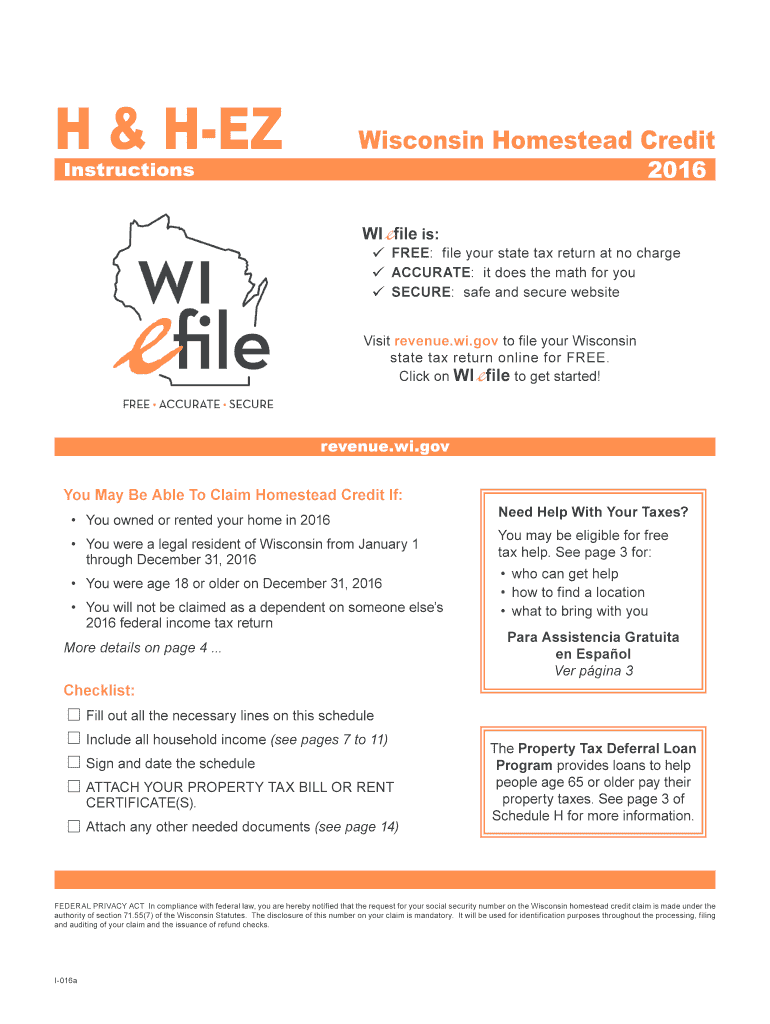
The WI I-016a form is essential for individuals seeking to claim the Wisconsin homestead credit. This guide provides clear, step-by-step instructions on how to complete the form accurately and efficiently while filing it online.
Follow the steps to complete your WI I-016a form online:
- Press the 'Get Form' button to acquire the form and open it in your digital application.
- Begin by entering your personal information in the designated fields, including your name, social security number, and address. Make sure to use capital letters and avoid any special characters.
- Continue to fill out household income details. Ensure you report all sources of household income accurately, as this impacts your eligibility for the homestead credit.
- Complete the credit qualification sections by answering all relevant questions regarding your residency, age, and other criteria specified by the form. Pay attention to the instructions for each question to avoid errors.
- For homeowners, input your net property taxes from your property tax bill, ensuring you include all necessary details as outlined on the form.
- If you are a renter, input your rent details as specified in your rent certificate. Do not alter any information on the certificate provided by your landlord.
- Before finalizing the form, review all entries for accuracy. Make necessary corrections to avoid delays in processing.
- Once you are satisfied with your entries, save your changes and choose to download, print, or electronically submit your application as required.
Start filling out your WI I-016a form online today to claim your homestead credit.
Experience a faster way to fill out and sign forms on the web. Access the most extensive library of templates available.
Related content
It will be used for identification purposes throughout the processing, filing and auditing...
It will be used for identification purposes throughout the processing, filing and auditing...
e-Manuals are Mitsubishi Electric FA electronic book manuals that can be browsed with a...
Get answers to your most pressing questions about US Legal Forms API.
How do I fill out self-employment income?
Filling out self-employment income requires you to accurately report your earnings and expenses to determine your taxable profit. You should keep detailed records and use forms designed for self-employed individuals. The WI I-016a can guide you in understanding how your self-employment income affects your overall tax obligations.
How to fill out a withholding allowance form?
To complete a withholding allowance form, first understand your tax situation, including income and dependents. Next, fill in the necessary information as prompted on the form. Utilize resources like the WI I-016a to ensure you are compliant and making the best choices for your personal finances.
How to fill out a withholding exemption form?
Filling out a withholding exemption form requires you to declare your exempt status for federal tax purposes. Typically, this means you had no tax liability the previous year and expect none for the current year. You might want to refer to the WI I-016a for comprehensive instructions that guide you through the process.
What should I put for withholding allowance?
Your withholding allowance should reflect your tax situation, including dependents and deductions. You can determine the number of allowances to claim using the guidelines provided with the WI I-016a form, which considers various factors to help you make an informed decision that suits your financial scenario.
Where to put 0 or 1 on W4?
On the W-4 form, you will find a section for withholding allowances. You simply write '0' or '1' in the designated box based on your choice. This simple step can make a significant difference in your paycheck withholdings, and if you are confused, the WI I-016a form provides additional information to help clarify your situation.
How to fill out Wisconsin homestead credit form?
To fill out the Wisconsin homestead credit form, gather your income information and property details first. The form allows certain homeowners to reduce their property taxes based on income. Completing the form accurately can be crucial, and resources like the WI I-016a can offer guidance on eligibility and filling it out correctly.
Is it better to claim 1 or 0 allowances?
Choosing to claim 1 or 0 allowances impacts the amount of tax withheld from your paycheck. Claiming 0 allows for maximum withholding, which may result in a refund when you file your taxes. However, if you prefer a larger paycheck throughout the year, claiming 1 could be more beneficial, depending on your financial needs and how you plan to fill out the WI I-016a form.
What does 3 allowances mean?
Claiming 3 allowances on your tax forms means you are identifying tax deductions that reduce the amount of income taxed. Essentially, the more allowances you claim, the less tax is withheld from your paycheck. The WI I-016a form can help you determine the appropriate number of allowances based on your personal situation and financial goals.
How do I check my Wisconsin homestead refund status?
To check the status of your Wisconsin homestead refund, visit the Wisconsin Department of Revenue website. They provide a user-friendly tool where you can enter your details to track your WI I-016a refund status. You can also contact their office for assistance if needed.
How much longer does it take to get your state refund?
If you filed your WI I-016a application electronically, your state refund may take slightly less time, usually around 4 weeks. However, paper submissions often take longer, generally up to 6 weeks or more, especially during peak times. Patience is key while waiting for your refund.
Use professional pre-built templates to fill in and sign documents online faster. Get access to thousands of forms.
If you believe that this page should be taken down, please follow our DMCA take down process here.
This form is available in several versions. Select the version you need from the drop-down list below.