Loading
Get Ny Dtf Tr-579-it 2022-2026
How it works
-

Open form follow the instructions
-

Easily sign the form with your finger
-

Send filled & signed form or save
How to fill out the NY DTF TR-579-IT online
The NY DTF TR-579-IT form is essential for authorizing an electronic return originator to e-file a personal income tax return and manage bank account information for electronic funds withdrawal. This guide provides clear, step-by-step instructions to help you complete the form online efficiently.
Follow the steps to fill out the NY DTF TR-579-IT form online.
- Click the ‘Get Form’ button to retrieve the NY DTF TR-579-IT form and open it in the editor.
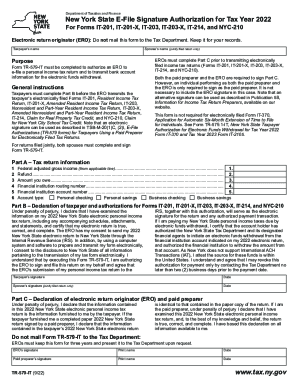
- Start by filling out Part A, which includes your federal adjusted gross income, refund amount, any amount owed, and banking details such as the routing and account numbers.
- In Part B, you will declare the accuracy of your tax return and provide authorization for the ERO to e-file it. Make sure to enter your signature and the date.
- For jointly filed returns, the spouse needs to complete the signature and date sections as well.
- In Part C, the ERO or paid preparer must confirm the accuracy of the tax return details provided. They should sign and date the form as required.
- Once all sections are completed, save your changes, and choose to download, print, or share the finalized form.
Complete your tax documents online with ease and accuracy today!