Get Ks Dor Ks-1216 2015
How it works
-

Open form follow the instructions
-

Easily sign the form with your finger
-

Send filled & signed form or save
How to fill out the KS DoR KS-1216 online
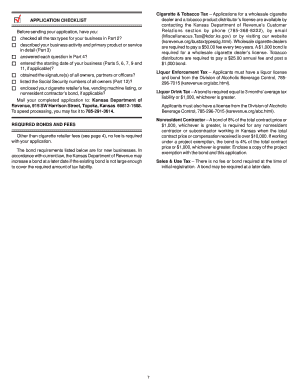
Filling out the KS DoR KS-1216, the Kansas Business Tax Application, is a crucial step for individuals and entities looking to register their businesses in Kansas. This guide provides clear, step-by-step instructions to assist users in completing the form correctly and efficiently.
Follow the steps to complete the KS DoR KS-1216 online.
- Click the 'Get Form' button to download the KS DoR KS-1216 form and open it in an editor.
- Identify the reason for application in Part 1. Mark only one box that accurately reflects your situation: registering for additional tax types, starting a new business, or purchasing an existing business.
- In Part 2, check all applicable tax types you are applying for and complete the corresponding sections based on the selected tax types.
- Fill in Part 3 with your business information, including ownership type, business name, mailing address, contact details, and federal Employer Identification Number (EIN). Ensure to describe your primary business activity.
- Complete Part 4 with your location information, including the trade name, actual address, primary business activity, and whether your business is renting vehicles or located within city limits.
- Proceed to Parts 5 through 11 as applicable, providing details on sales, withholding tax, and any specific activities relevant to your business.
- In Part 12, list all owners, partners, corporate officers, and directors, completing the required signature fields. Ensure all relevant individuals authorize the application.
- Once all parts are completed, save your changes, then download or print the form. Ensure you retain a copy for your records.
- Finally, submit your completed application either via mail, fax, or in person, ensuring adherence to any bond or fee requirements.
Start filling out your KS DoR KS-1216 online today to ensure your business registration is completed efficiently.
Get form
Applying for a Kansas sales tax number is a straightforward process, typically done through the Department of Revenue's website. You'll need to provide your business details and intended use for the tax number. Completing this step correctly is crucial for compliance and avoiding penalties. The KS DoR KS-1216 has resources to guide you through this application process.