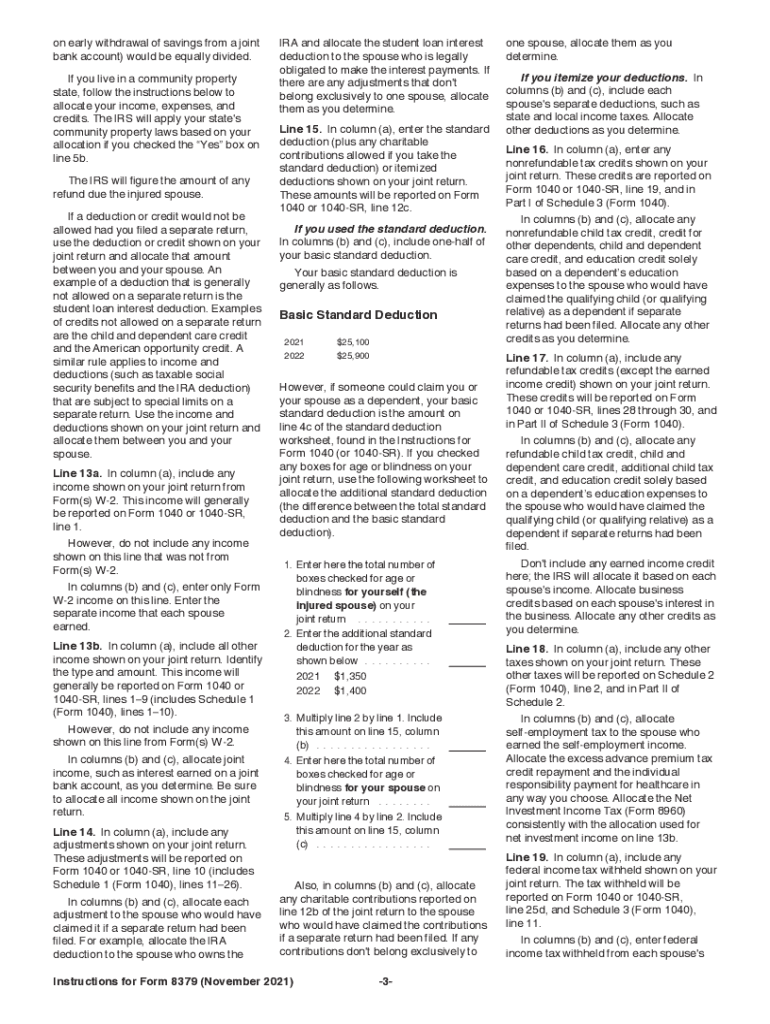
Instructions for Form 8379Department of the Treasury Internal Revenue Service(Rev. November 2021) Injured Spouse Allocation Section references are to the Internal Revenue Code unless otherwise noted.
Loading

Open form follow the instructions

Easily sign the form with your finger

Send filled & signed form or save
How to fill out the IRS 8379 Instructions online
Filling out the IRS 8379 Instructions is essential for individuals who need to claim their share of a tax refund when their joint overpayment has been offset against a spouse’s past-due obligations. This guide provides a clear, step-by-step approach to navigating the form online, ensuring that users understand each component.
Follow the steps to complete the IRS 8379 Instructions effectively.
- Click ‘Get Form’ button to access the form and open it in your preferred document editor.
- Read the introduction section to understand the purpose of Form 8379. It is crucial to determine if you qualify as an injured spouse, meaning your portion of the overpayment was applied to a past-due obligation of your partner.
- Fill out Part I to confirm if you are an injured spouse. Provide information regarding your joint tax return and whether any past-due obligations exist.
- Complete Part II by entering the changes of your address if applicable. If your address has changed permanently or temporarily, follow the respective instructions provided.
- Move on to Part III to allocate your incomes, deductions, and credits as if you filed separately. Clearly detail each spouse’s income, expenses, and all pertinent tax credits.
- Ensure that you attach any required documents, such as Forms W-2 and 1099, if filing Form 8379 separately.
- Double-check all entered information for accuracy and completeness to avoid processing delays. Make sure to adhere to specific allocation rules stated in the instructions.
- Once you have completed the form, save your changes and proceed to download, print, or share the document as needed.
Begin completing your IRS 8379 Instructions online now to ensure your tax refund allocation is processed correctly.
Experience a faster way to fill out and sign forms on the web. Access the most extensive library of templates available.
Related content
Dec 13, 2018 - For the latest information about developments related to Form 8379 and its...
Taxpayers who contact the clinic may have a number of tax issues. The most common issues...
Get answers to your most pressing questions about US Legal Forms API.
Where do I send my injured spouse form?
If you file Form 8379 with your joint return, attach it to your return in the order of the attachment sequence number (located in the upper right corner of the tax form). Enter "Injured Spouse" in the upper left corner of page 1 of the joint return.
Where do I send my tax form 8379?
Form 8379 Where to Mail. You print and mail to IRS center for the area where you live and you can go here to find address for center for your area https://www.irs.gov/uac/where-to-file-paper-tax-returns-with-or-without-a-payment.
Can I fax Form 8379 to the IRS?
Yes, you can file Form 8379 electronically with your tax return. Generally: If you file Form 8379 with a joint return electronically, the time needed to process it is about 11 weeks.
How does an injured spouse form work?
An injured spouse is simply someone whose tax refund is used to cover the past-due debts of a spouse or ex-spouse. When married taxpayers file a joint return, each spouse has an interest in the jointly reported income and in the debt. ... The IRS will inform you and your spouse if an offset takes place.
How long does injured spouse take 2019?
Generally, if you file Form 8379 with a joint return on paper, the processing time is about 14 weeks. If you file electronically, processing is reduced to about 11 weeks. If you file Form 8379 by itself after a joint return has been processed, the time needed is about eight weeks.
Does injured spouse apply to state taxes?
You may be an injured spouse if you file a joint tax return and all or part of your portion of the overpayment was, or is expected to be, applied (offset) to your spouse's legally enforceable past-due federal tax, state income tax, state unemployment compensation debts, child or spousal support, or a federal nontax ...
Can you file injured spouse on state taxes?
You may be an injured spouse if you file a joint tax return and all or part of your portion of the overpayment was, or is expected to be, applied (offset) to your spouse's legally enforceable past-due federal tax, state income tax, state unemployment compensation debts, child or spousal support, or a federal nontax ...
Who do I call about my injured spouse claim?
You can also call the IRS tax refund hotline at 800-829-4477, Monday - Friday, 7:00 a.m. to 11:30 p.m.
How long does it take to get a tax refund with an injured spouse claim?
Generally, if you file Form 8379 with a joint return on paper, the time needed to process it is about 14 weeks (11 weeks if filed electronically). If you file Form 8379 by itself after a joint return has been processed, the time needed is about 8 weeks.
How do I file injured spouse on taxes?
How do I request an Injured Spouse Claim? Make a claim by filing IRS Form 8379. If you have not yet filed your joint tax return, complete your return and attach Form 8379 when you file it. Write "Injured Spouse" in the upper left corner of the first page of the return.
Use professional pre-built templates to fill in and sign documents online faster. Get access to thousands of forms.
If you believe that this page should be taken down, please follow our DMCA take down process here.