Loading
Get Sc Dor Abl-901c 2021-2026
How it works
-

Open form follow the instructions
-

Easily sign the form with your finger
-

Send filled & signed form or save
How to fill out the SC DoR ABL-901C online
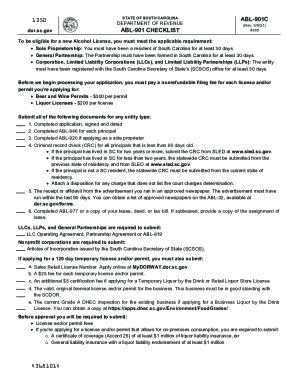
The SC DoR ABL-901C is an essential document for individuals and entities seeking to obtain an alcohol license in South Carolina. This guide provides a step-by-step approach to help users navigate the form efficiently and effectively.
Follow the steps to complete the ABL-901C with ease.
- Click ‘Get Form’ button to access the SC DoR ABL-901C and open it in your preferred editor.
- Begin by entering the legal entity name or sole proprietor in the designated field. Ensure you input the complete and accurate name as it appears in legal documentation.
- Provide the physical address of the business in the relevant fields. This should include the street address, city, county, state, and ZIP code, ensuring there are no PO box addresses used.
- Fill out the mailing address section, if different from the physical address. Include the designated agent's name and contact information to receive notices from the SCDOR.
- Indicate the type of ownership by selecting one of the options provided: Sole Proprietor, Partnership, LLC/LLP, SC Corporation, Foreign Corporation, Nonprofit Organization, or Other.
- Complete sections on business phone number, FEIN/SSN, nature of business, and sales retail license number. Make sure the information is accurate to avoid any processing delays.
- Confirm whether the business is within South Carolina municipal limits and provide the city name if applicable.
- Address any previous licenses by indicating yes or no and providing past license details if applicable.
- Designate a contact person who is a principal listed on the ABL-946 form. Include their name, email, and phone number.
- Review all entered information thoroughly for accuracy before proceeding. It is crucial to certify that the business meets legal requirements and to sign and date the form.
- Save changes made to the form. You may download, print, or share the completed document as necessary before submission.
Complete your ABL-901C form online today for a smooth application process.