Loading
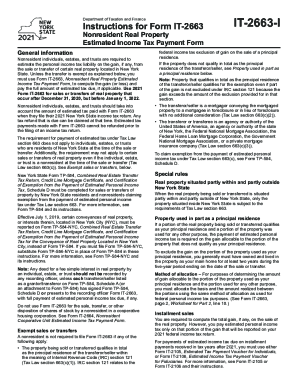
Get Ny Dtf It-2663-i 2021
How it works
-

Open form follow the instructions
-

Easily sign the form with your finger
-

Send filled & signed form or save
How to fill out the NY DTF IT-2663-I online
The NY DTF IT-2663-I is a crucial form for nonresident individuals, estates, and trusts to estimate their income tax liability from the sale or transfer of real property in New York State. This guide provides clear and supportive steps to help users navigate and complete the form online.
Follow the steps to accurately complete the NY DTF IT-2663-I.
- Click ‘Get Form’ button to obtain the form and open it in your digital document editor.
- Provide your full name, Social Security number, and address in Part 1 of the form. If you are married, include your partner's name and Social Security number.
- Describe the property being transferred by including detailed information such as the address and type of property. Make sure to add the tax map number if known.
- Indicate the date of conveyance and check if there are multiple transferors or sellers involved. Each must complete a separate form.
- Complete the Estimated Tax Information section by calculating your estimated gains or losses as directed in the worksheet found on page 2 of the form.
- If applicable, indicate nonpayment of estimated tax by marking the relevant boxes in Part 3.
- Sign and date the form in Part 4, ensuring that all necessary parties sign if applicable.
- Once completed, save your changes. You can then download, print, or share the form as needed.
Complete your NY DTF IT-2663-I form online to ensure compliance and keep your tax records accurate.
Get form
Experience a faster way to fill out and sign forms on the web. Access the most extensive library of templates available.
Related links form
Get This Form Now!
Use professional pre-built templates to fill in and sign documents online faster. Get access to thousands of forms.