Loading
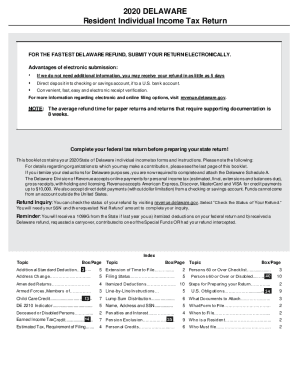
Get De 200-01 2020-2026
How it works
-

Open form follow the instructions
-

Easily sign the form with your finger
-

Send filled & signed form or save
How to fill out the DE 200-01 online
Filing your Delaware Resident Individual Income Tax Return (DE 200-01) online can simplify the process and help you receive your refund faster. This guide provides clear, step-by-step instructions to ensure you accurately complete each section of the form.
Follow the steps to successfully complete your DE 200-01 form online.
- Press the ‘Get Form’ button to access the DE 200-01 and open it in the online editor.
- Begin by completing the top section of the form, which includes entering your name, address, and filing status.
- Proceed to input your Federal Adjusted Gross Income (AGI) from your federal tax return into the appropriate field on the form.
- Fill out Sections A, B, and C located on the back of the form. Follow the line-by-line instructions to ensure clarity.
- After completing the relevant lines, return to the front side of the form. Attach any required documents such as W-2 forms, federal tax forms, and any necessary schedules.
- Review your completed form for accuracy. Sign and date the return; include your contact number for any further inquiries.
- Submit your form electronically through the provided online submission channels. Ensure that all attachments are included.
- Once submitted, you can save a copy of the completed form for your records, and check your refund status online afterward by visiting the appropriate government resources.
Take advantage of the convenience of filing online and ensure your documents are complete for a smooth submission process!
Related links form
A partnership must file an annual information return to report the income, deductions, gains, losses, etc., from its operations, but it does not pay income tax. Instead, it "passes through" any profits or losses to its partners. ... Partners are not employees and should not be issued a Form W-2.