Loading
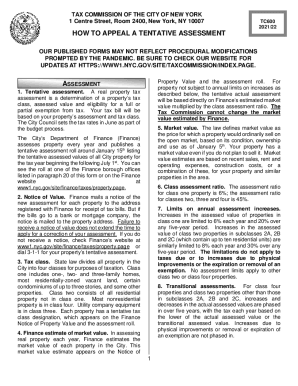
Get Ny Tc600 2021-2026
How it works
-

Open form follow the instructions
-

Easily sign the form with your finger
-

Send filled & signed form or save
How to fill out the NY TC600 online
The NY TC600 form is essential for appealing a tentative property assessment made by the Tax Commission of the City of New York. This guide provides clear, step-by-step instructions on how to complete the form online, ensuring you understand each component and can successfully submit your appeal.
Follow the steps to complete the NY TC600 form online.
- Press the ‘Get Form’ button to obtain the NY TC600 form and open it in your preferred online editor.
- Begin by filling out the 'Applicant Information' section, ensuring that all personal details are accurate and clearly written.
- Next, move to the 'Property Details' section, which requires specifics about the property including tax class and property address. Confirm that this information matches the official records.
- In the 'Grounds for Correction' section, clearly state your reasons for appealing the assessment. Choose from grounds like excessiveness or misclassification, and provide any supporting documentation as needed.
- Proceed to the 'Signature' section. Ensure the application has an original signature for validity. If applicable, include any required fiduciary documentation.
- Review your application for completeness and accuracy. Make sure all fields are filled and all required attachments are included.
- Finally, save your changes, then download, print, or share the completed NY TC600 form as needed for submission.
Complete your NY TC600 form online today and ensure your property assessment is accurate.