Loading
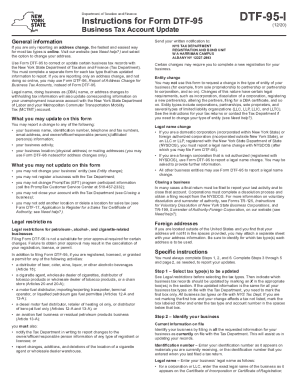
Get Ny Dtf Dtf-95-i 2020-2026
How it works
-

Open form follow the instructions
-

Easily sign the form with your finger
-

Send filled & signed form or save
How to fill out the NY DTF DTF-95-I online
Filling out the NY DTF DTF-95-I form is essential for updating your business tax records with the New York State Department of Taxation and Finance. This guide provides step-by-step instructions to help you navigate the process online, ensuring that you accurately complete every section of the form.
Follow the steps to correctly fill out the NY DTF DTF-95-I online.
- Click the ‘Get Form’ button to access the DTF-95-I form and open it in your preferred application.
- Indicate the tax type(s) you wish to update. Mark an X in the appropriate box(es). If all updates apply to every tax type, select 'All business tax types on file with NYS Tax Dept.' If not, check 'Other' and provide the specific tax type and account number.
- Identify your business by entering the currently filed information, including your identification number, legal name, trade name (DBA), business telephone and fax numbers, email address, and physical address.
- Input updated information. If applicable, mark the box for updated address information and enter the new details in Section A.
- Complete Step 4a if there are updates regarding the owner/officer/responsible person. You may add, remove, or revise information for these individuals as necessary.
- If relevant, fill out Step 4b to update the affiliated person information by marking whether you are adding, removing, or revising this information.
- In Step 5, report if you sold or transferred the business or changed the primary business activity. Provide essential details as required.
- Complete the final step by signing and dating the form, filling in the title, and providing contact information. Mail the completed form to the specified address.
Complete your forms online to streamline your document management process.