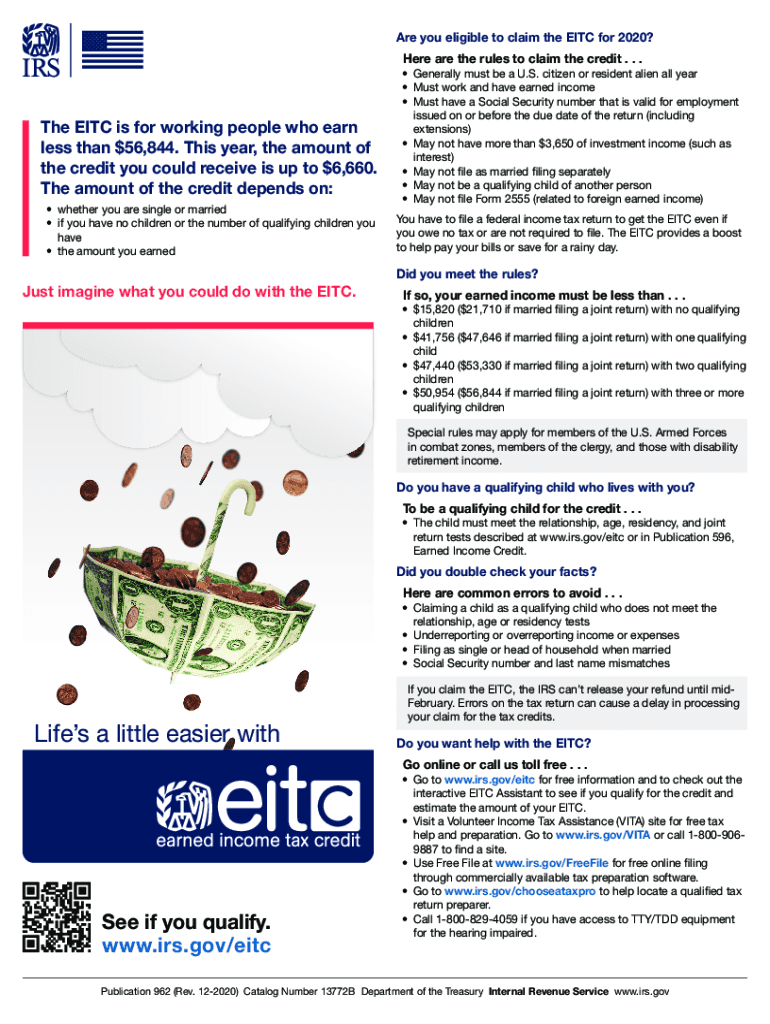
Are you eligible to claim the EITC for 2020? Here are the rules to claim the credit . . .The EITC is for working people who earn less than $56,844. This year, the amount of the credit you could receive.
Loading

Open form follow the instructions

Easily sign the form with your finger

Send filled & signed form or save
How to fill out the IRS Publication 962 online
This guide provides a comprehensive look at filling out the IRS Publication 962 online. Designed for users of all experience levels, it offers step-by-step instructions to simplify the process of claiming the Earned Income Tax Credit (EITC).
Follow the steps to complete IRS Publication 962 accurately.
- Click ‘Get Form’ button to obtain the IRS Publication 962 and open it in your editor.
- Review the eligibility criteria for the EITC. Ensure that you meet the requirements, including valid Social Security numbers and income limits.
- Fill in your personal information in the designated fields, such as your name, address, and filing status. Be careful to choose the correct status based on your marital situation.
- Provide details about your earned income. Input the total earned income for the tax year you are filing. Verify that you are within the income thresholds listed for your situation.
- If applicable, list any qualifying children. Ensure that you meet the relationship, age, residency, and joint return tests required for each child.
- Double-check all figures and ensure that all names match the Social Security numbers provided. Common errors can delay the processing of your tax return.
- Once you have completed all sections, save your changes, download the form, print it, or share it as needed.
Begin your document preparation now by filling out IRS Publication 962 online.
Experience a faster way to fill out and sign forms on the web. Access the most extensive library of templates available.
Related content
Use professional pre-built templates to fill in and sign documents online faster. Get access to thousands of forms.
If you believe that this page should be taken down, please follow our DMCA take down process here.
This form is available in several versions. Select the version you need from the drop-down list below.