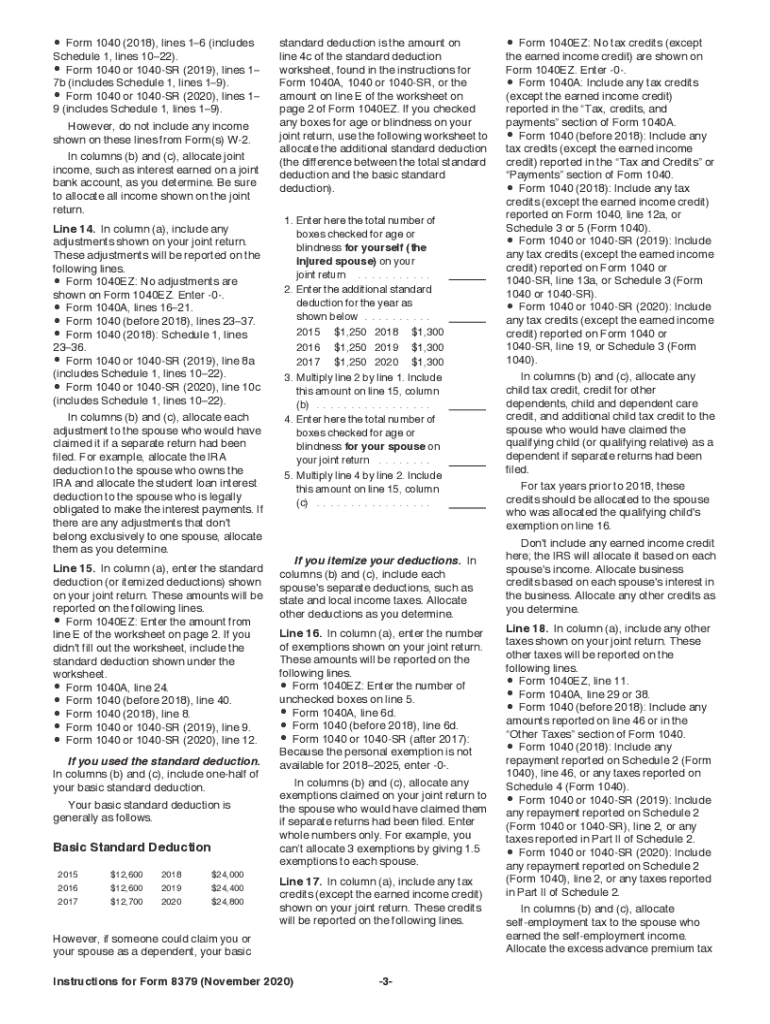
Rences are to the Internal Revenue Code unless otherwise noted. General Instructions Reminder If both spouses have qualified business income (QBI), the IRS will generally use information reported with the jointly filed Form 1040 or 1040-SR to allocate the QBI deduction as a percentage of each spouse s QBI. Future Developments For the latest information about developments related to Form 8379 and its instructions, such as legislation enacted after they were published, go to IRS.gov/Form8379.
Loading

Open form follow the instructions

Easily sign the form with your finger

Send filled & signed form or save
How to fill out the IRS 8379 Instructions online
Navigating the IRS 8379 Instructions can seem challenging, but this comprehensive guide is designed to assist you in filling out the form with confidence. Whether you are an experienced taxpayer or filling out a tax form for the first time, this guide provides simplified, step-by-step instructions for completing the IRS 8379 Instructions online.
Follow the steps to easily fill out the IRS 8379 Instructions.
- Press the ‘Get Form’ button to access the IRS 8379 Instructions, which will open in your online editor.
- Read the general instructions to understand if you are eligible to file as an injured spouse. Pay attention to the definitions of qualifying debts and your rights as an injured spouse.
- Complete Part I to determine if you qualify as an injured spouse by checking the appropriate boxes regarding past-due obligations and debts that affect your refund.
- Fill out the necessary fields regarding your personal information, such as names, addresses, and social security numbers for both spouses.
- In Part II, provide information about any adjustments, exemptions, and tax credits for both spouses. Ensure that your allocations reflect accurately who would have claimed each debt if separate returns had been filed.
- Complete Part III by allocating income, expenses, and deductions for each spouse. Follow specific instructions for community property states if applicable.
- Review the entire form for accuracy. Double-check your information against your joint return to ensure that everything is correctly reported.
- Once you have filled out all sections, you can save your changes. From there, download or print the form for your records or to submit it as instructed.
Complete your documents online today to ensure timely processing and avoid delays in your tax refunds!
Experience a faster way to fill out and sign forms on the web. Access the most extensive library of templates available.
Related content
Dec 13, 2018 - For the latest information about developments related to Form 8379 and its...
Taxpayers who contact the clinic may have a number of tax issues. The most common issues...
Get answers to your most pressing questions about US Legal Forms API.
Where do I send my injured spouse form?
If you file Form 8379 with your joint return, attach it to your return in the order of the attachment sequence number (located in the upper right corner of the tax form). Enter "Injured Spouse" in the upper left corner of page 1 of the joint return.
Where do I send my tax form 8379?
Form 8379 Where to Mail. You print and mail to IRS center for the area where you live and you can go here to find address for center for your area https://www.irs.gov/uac/where-to-file-paper-tax-returns-with-or-without-a-payment.
Can I fax Form 8379 to the IRS?
Yes, you can file Form 8379 electronically with your tax return. Generally: If you file Form 8379 with a joint return electronically, the time needed to process it is about 11 weeks.
How does an injured spouse form work?
An injured spouse is simply someone whose tax refund is used to cover the past-due debts of a spouse or ex-spouse. When married taxpayers file a joint return, each spouse has an interest in the jointly reported income and in the debt. ... The IRS will inform you and your spouse if an offset takes place.
How long does injured spouse take 2019?
Generally, if you file Form 8379 with a joint return on paper, the processing time is about 14 weeks. If you file electronically, processing is reduced to about 11 weeks. If you file Form 8379 by itself after a joint return has been processed, the time needed is about eight weeks.
Does injured spouse apply to state taxes?
You may be an injured spouse if you file a joint tax return and all or part of your portion of the overpayment was, or is expected to be, applied (offset) to your spouse's legally enforceable past-due federal tax, state income tax, state unemployment compensation debts, child or spousal support, or a federal nontax ...
Can you file injured spouse on state taxes?
You may be an injured spouse if you file a joint tax return and all or part of your portion of the overpayment was, or is expected to be, applied (offset) to your spouse's legally enforceable past-due federal tax, state income tax, state unemployment compensation debts, child or spousal support, or a federal nontax ...
Who do I call about my injured spouse claim?
You can also call the IRS tax refund hotline at 800-829-4477, Monday - Friday, 7:00 a.m. to 11:30 p.m.
How long does it take to get a tax refund with an injured spouse claim?
Generally, if you file Form 8379 with a joint return on paper, the time needed to process it is about 14 weeks (11 weeks if filed electronically). If you file Form 8379 by itself after a joint return has been processed, the time needed is about 8 weeks.
How do I file injured spouse on taxes?
How do I request an Injured Spouse Claim? Make a claim by filing IRS Form 8379. If you have not yet filed your joint tax return, complete your return and attach Form 8379 when you file it. Write "Injured Spouse" in the upper left corner of the first page of the return.
Use professional pre-built templates to fill in and sign documents online faster. Get access to thousands of forms.
If you believe that this page should be taken down, please follow our DMCA take down process here.
This form is available in several versions. Select the version you need from the drop-down list below.