Lines 1-6. Instead, complete the Out-of-State Tax Credit Worksheet in the instructions to determine the amount of Line 7a.
Loading

Open form follow the instructions

Easily sign the form with your finger

Send filled & signed form or save
How to fill out the NC DoR D-400TC online
Filling out the NC DoR D-400TC form can seem daunting, but this guide will help you navigate the process with ease. Follow these steps to ensure you accurately complete the form and claim your tax credits.
Follow the steps to successfully complete the NC DoR D-400TC form.
- Click the ‘Get Form’ button to access the form and open it in your preferred online editor.
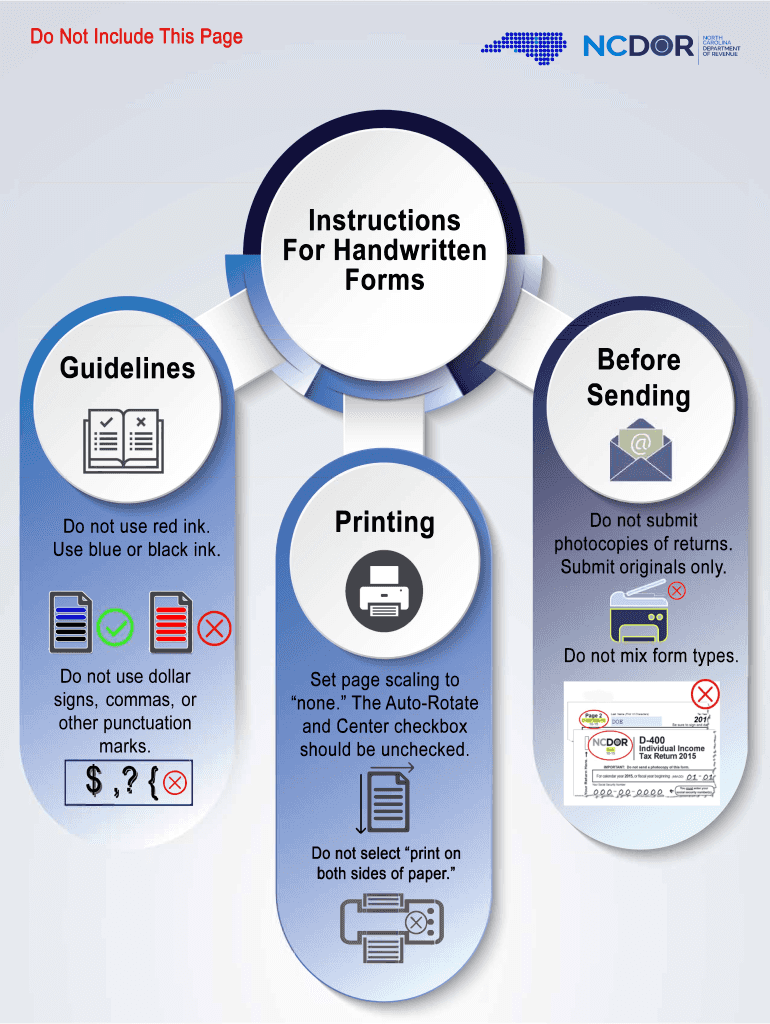
- Begin by providing your last name and the first ten characters. Ensure that you do not use red ink and stick to blue or black ink if printing later.
- In Part 1, complete Line 1 by entering your total income from all sources as a resident of North Carolina, modified by any adjustments. If this line shows a negative value, fill in the circle provided.
- On Line 2, enter the portion of your income that was taxed by another state or country. This should reflect only the income taxed elsewhere.
- For Line 3, divide the amount on Line 2 by the amount on Line 1, and round the result to four decimal places.
- On Line 4, input the total North Carolina income tax as recorded on Form D-400, Line 15.
- Proceed to Line 5 and multiply the amount on Line 4 by the decimal from Line 3.
- Enter the net tax amount paid to the other state or country on Line 6. This is the final amount that should reflect what you paid.
- For Line 7a, provide the credit for income tax paid to another state or country. You should enter the lesser value from Line 5 or Line 6.
- On Line 7b, indicate the number of states or countries for which a credit is claimed.
- In Part 2, enter expenditures related to rehabilitating historic structures only in the first year the credit is being claimed.
- Complete Lines 8a through 11a based on the guidelines, ensuring that dates and certifications are checked.
- For Part 3, add any tax credits from previous years listed on Line 14. Ensure that none are from Form NC-478 or Form NC-Rehab.
- Add the relevant amounts from Lines 7a, the installment amounts, and any previous year credits to find your total on Line 15.
- On Line 16, include the North Carolina income tax from Form D-400, Line 15.
- Enter the lesser of Line 15 or Line 16 on Line 17.
- If applicable, include business incentive and energy tax credits on Line 18.
- Finally, summarize the total tax credits on Line 19 and ensure they do not exceed the tax shown on Line 15.
Complete your NC DoR D-400TC form online today and ensure accurate submission for your tax credits!
Experience a faster way to fill out and sign forms on the web. Access the most extensive library of templates available.
Related content
If you claim a tax credit on Form D-400, Line 16, you must attach this form to the return...
r., · R.~~, do nc?.·t. use tl"!e phone available :Co:c z/cudent use in. SAO for l.c...
Get answers to your most pressing questions about US Legal Forms API.
Why would I be getting a letter from Ncdor?
Receiving a letter from the NC Department of Revenue (NCDOR) typically indicates a need for clarification or additional information regarding your tax filing. This could be due to discrepancies, questions about deductions, or verification of your NC DoR D-400TC form. It’s important to address such letters promptly to avoid penalties. Uslegalforms provides guidance on how to respond effectively to queries from the NCDOR.
What is the D 400 form for NC income tax?
The D 400 form for NC income tax is the primary individual income tax return for North Carolina residents. It allows taxpayers to report income and calculate state tax liability. To ensure compliance, many people utilize the NC DoR D-400TC along with this form when claiming certain tax credits. Uslegalforms can help you navigate the requirements associated with this form, ensuring you file accurately.
What is form D 400 from IRS?
Form D 400 from the IRS is not directly an IRS form; rather, it's specific to North Carolina for reporting income tax returns. It's a vital document for state income tax compliance and helps streamline the filing process. Understanding its connection to the NC DoR D-400TC can clarify your tax obligations. For more information and assistance, uslegalforms offers resources and examples tailored to your needs.
What is a DFAS certificate for income tax adjustment?
A DFAS certificate for income tax adjustment is relevant for military members who need to account for taxes withheld on their earnings. The Defense Finance and Accounting Service (DFAS) issues this certificate to help clarify potential tax liabilities. If you believe your income tax situation is complicated, consider the helpful resources available on uslegalforms, including how it relates to forms like the NC DoR D-400TC.
What is a Schedule D tax form used for?
A Schedule D tax form serves to report capital gains and losses to the IRS. It allows taxpayers to detail their sales of stocks, bonds, and other investments. Properly managing your capital gains is crucial for filing accurate returns and might involve the NC DoR D-400TC under certain conditions. Resources on uslegalforms can guide you through the complexities of capital gain reporting.
What does D-400V mean?
400V refers to the NC oR 400V form, which is used as an affidavit to verify the filing of a North Carolina income tax return. It is specifically utilized when electronic filing procedures require a paper signature. Utilizing this form helps ensure that your filing is compliant with North Carolina tax regulations. Many taxpayers find this process straightforward through platforms like uslegalforms for easy submissions.
What is NC Form D-400V?
NC Form D-400V is the payment voucher used when submitting your North Carolina Individual Income Tax Return. It is essential for making payments to the NCDOR if you owe taxes. Using this form helps ensure you fulfill your obligations while navigating the NC DoR D-400TC requirements smoothly.
How do I get my NCDOR ID and access code?
To obtain your NCDOR ID and access code, visit the North Carolina Department of Revenue's official online portal and complete the registration process. After providing the necessary information, your NCDOR ID will be granted, and the access code will be emailed to you shortly thereafter. This process is straightforward and will help you utilize NC DoR D-400TC effectively.
How long does it take to get a NC tax ID number?
The time it takes to receive a NC tax ID number can vary, but it usually takes just a few business days if you submit your application online through the NCDOR website. However, if you apply by mail, it may take longer due to processing times. Make sure to allow adequate time to receive your tax ID, especially if you need it for immediate business activities.
How do I get a Ncdor ID and access code?
Getting your NCDOR ID and access code involves registering online at the North Carolina Department of Revenue website. During the registration, you will receive your NCDOR ID immediately, while the access code is typically sent to you via email. This information is essential for filing your taxes accurately, especially when dealing with NC DoR D-400TC.
Use professional pre-built templates to fill in and sign documents online faster. Get access to thousands of forms.
If you believe that this page should be taken down, please follow our DMCA take down process here.
This form is available in several versions. Select the version you need from the drop-down list below.