Loading
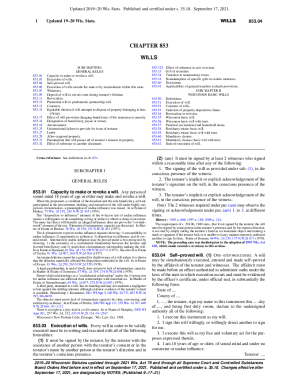
Get Wi Chapter 853 2021-2026
How it works
-

Open form follow the instructions
-

Easily sign the form with your finger
-

Send filled & signed form or save
How to fill out the WI Chapter 853 online
Filling out the WI Chapter 853 form is an essential step in creating a valid will in Wisconsin. This comprehensive guide will provide you with clear, step-by-step instructions to help you navigate each section and field of the form, ensuring that your wishes are accurately documented.
Follow the steps to successfully complete the WI Chapter 853 form.
- Press the ‘Get Form’ button to access the form and open it in your editor.
- Begin by filling in your name and the date of completion at the top of the form.
- In the first section, declare your intent by writing a statement that this is your will and that you revoke any prior wills.
- Proceed to itemize your personal, recreational, and household items, giving them to your spouse or, if not living, to your children.
- List any specific gifts you wish to make, ensuring to detail the amount or description of each gift and capture your signature beside each one.
- Select a property disposition clause for your residuary estate; ensure you sign next to only one clause and indicate 'not used' on others.
- Nominate at least one personal representative and, if applicable, a guardian for your children.
- Complete the witness section by having two witnesses sign, stating they observed you signing the will, and ensuring they are not beneficiaries.
- Finally, review the entire document for accuracy and completeness, then save your changes, download, print, or share the completed form as needed.
Complete your WI Chapter 853 form online today to ensure your wishes are honored.