Loading
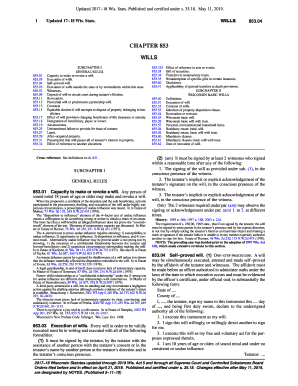
Get Wi Chapter 853 2017
How it works
-

Open form follow the instructions
-

Easily sign the form with your finger
-

Send filled & signed form or save
How to fill out the WI Chapter 853 online
This guide provides comprehensive instructions for completing the WI Chapter 853, a form concerning wills in Wisconsin. Whether you are familiar with legal documents or new to the process, this step-by-step resource will help you navigate the form effectively.
Follow the steps to complete your WI Chapter 853 online.
- Click the ‘Get Form’ button to access the form and open it in your editor.
- Begin by filling in your name and the date in the designated sections of the form. Ensure that all fields are clearly marked and understandable.
- Next, proceed to outline the personal, recreational and household items you wish to distribute. You will need to provide names and the corresponding amounts or descriptions of property.
- Indicate your choice for the property disposition clause. Choose whether you wish your assets distributed to your spouse, children, or others. Make sure to sign next to only one selection, marking the others as 'not used.'
- Nominate your personal representative and any guardians for dependents. Clearly print their names and confirm your selections by signing in the appropriate boxes.
- Review all entries to ensure accuracy. It is vital that all required signatures are present, and the completed form is signed as needed.
- Finally, save your changes, and use the options provided to download, print, or share the completed form with relevant parties.
Complete your documents online to ensure your wishes are properly recorded.
Get form
Experience a faster way to fill out and sign forms on the web. Access the most extensive library of templates available.
Get This Form Now!
Use professional pre-built templates to fill in and sign documents online faster. Get access to thousands of forms.