Loading
Get Co Jdf 122 2013-2026
How it works
-

Open form follow the instructions
-

Easily sign the form with your finger
-

Send filled & signed form or save
How to fill out the CO JDF 122 online
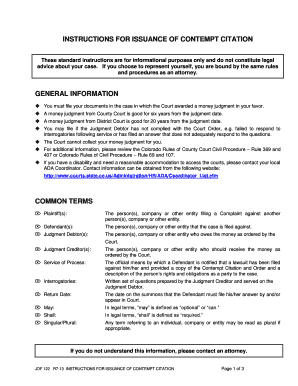
This guide provides detailed instructions on how to fill out the CO JDF 122 online, specifically for the issuance of a contempt citation. Follow the steps below to navigate through the form efficiently and effectively.
Follow the steps to complete the CO JDF 122 form online.
- Click the ‘Get Form’ button to obtain the CO JDF 122 form and open it in the editor.
- Fill in the appropriate details in the form. Start by entering the plaintiff and defendant information as required in the designated fields. Ensure that all relevant sections are completed accurately.
- Provide the necessary information regarding the judgment debtor, including their name and contact details. Clearly state the basis for the contempt citation and the reason for compliance failure.
- After completing all necessary sections, review the form for any errors or omissions. Ensure that the information is clear and legible.
- Once reviewed, save your changes and download the final version of the completed form to your device. You may also choose to print the form if needed.
- Submit your form as instructed by local court procedures, along with any required copies and accompanying documents.
Start completing your documents online now.
In Colorado, a court case number follows a specific format that includes the year, a three-letter abbreviation for the court, and a sequence of numbers. The first part represents the year the case was filed, followed by the court's abbreviation, and then the unique case number. Using the CO JDF 122, you can find an example format if you need further clarification. Ensure you apply this format correctly when referencing your case in any legal documents.