Loading
Get Az Ssc 5852 2011-2026
How it works
-

Open form follow the instructions
-

Easily sign the form with your finger
-

Send filled & signed form or save
How to fill out the AZ SSC 5852 online
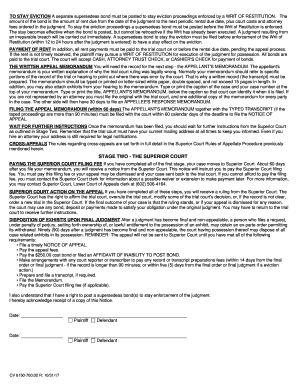
This guide provides users with comprehensive instructions on how to complete the AZ SSC 5852 form online. Whether you are familiar with legal documents or are filling one out for the first time, our step-by-step approach will clarify the process.
Follow the steps to fill out the AZ SSC 5852 effectively.
- Press the ‘Get Form’ button to access the AZ SSC 5852 form and open it in your preferred online editor.
- Begin by entering your case number at the top section of the form. This identifier is crucial for locating your case within the court system.
- Specify whether you are the appellant or appellee in the designated fields; clarity here is vital for the court's processing.
- Fill in the date of the judgment being appealed. Accurate dates ensure the appeal process adheres to required timelines.
- Don't forget to include your contact information, including your full mailing address and daytime phone numbers, ensuring the court can reach you if necessary.
- Review the payment section to confirm the appeal fee of $72.00 is noted, and indicate how this will be paid.
- If applicable, provide details for any cost bond being submitted alongside the notice of appeal. This bond ensures coverage for the appellate process.
- Once all fields are complete, ensure you save your changes to the form. Be ready to print, download, or share the completed document as necessary.
Complete your AZ SSC 5852 form online today to initiate your appeal process.
In Arizona, sales tax exemptions apply to specific organizations and transactions, including nonprofits, certain government entities, and qualifying purchases under the AZ SSC 5852 regulations. To qualify, you must submit the necessary documentation to support your exemption claim. Familiarizing yourself with these guidelines can save you significant amounts over time.