Loading
Get Cross Stitch Grid Online 2020-2026
How it works
-

Open form follow the instructions
-

Easily sign the form with your finger
-

Send filled & signed form or save
How to fill out the Cross Stitch Grid Online online
This guide provides clear and supportive instructions on how to fill out the Cross Stitch Grid Online form. Whether you are new to digital document management or simply looking to enhance your cross stitch projects, this guide will help you navigate the form efficiently.
Follow the steps to complete your Cross Stitch Grid Online form effectively.
- Click the ‘Get Form’ button to access the Cross Stitch Grid Online form and open it in your chosen editor.
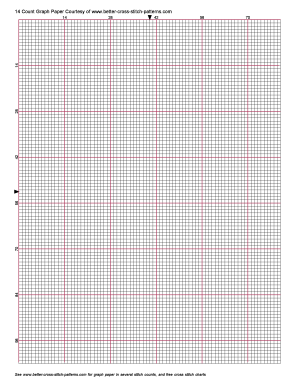
- Review the grid layout, which consists of a series of squares designed for planning your cross stitch pattern. Familiarize yourself with the grid to understand how to fill in your design.
- Identify the stitch count you wish to use; this can range from various counts reflected in the provided sample. Choose the appropriate count that matches your project needs.
- Begin filling in the grid with your desired pattern, using symbols or colors to represent different stitches. Be meticulous in your placement to ensure an accurate representation of your design.
- After completing your design, review the grid for any necessary adjustments or corrections. Make sure every stitch is accounted for and accurately placed.
- Once satisfied with your design, save your changes in the editor. Use the available functions to download the grid, print it for reference, or share it with others.
Start using the Cross Stitch Grid Online form now to elevate your cross stitch projects!
Yes, AI technology can create cross stitch patterns by analyzing images and transforming them into stitch grids online. Using machine learning algorithms, certain platforms can efficiently generate patterns based on your inputs. As the technology evolves, you can expect even more innovative features that streamline your cross stitch design experience.