Loading
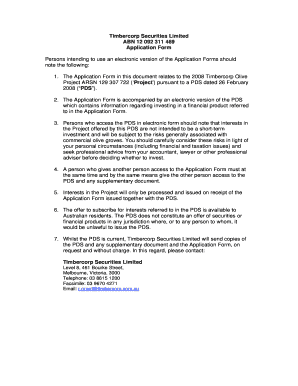
Get Abn 12 092 311 469 2008-2026
How it works
-

Open form follow the instructions
-

Easily sign the form with your finger
-

Send filled & signed form or save
How to fill out the ABN 12 092 311 469 online
This guide provides a detailed and user-friendly approach to completing the ABN 12 092 311 469 online application form. Follow the instructions carefully to ensure your application is processed without issues.
Follow the steps to successfully complete your application.
- Click ‘Get Form’ button to obtain the form and open it in the editor.
- Fill in your personal details accurately, ensuring all required fields are completed.
- Provide your contact information, including your postal address, email, and phone numbers.
- Select your applicant type (individual, company, trust, or joint venture). Ensure to follow the correct section for your type.
- Indicate the number of Grovelots you wish to apply for, including the total amount due.
- Review the payment methods and provide necessary payment information.
- Sign and date the application form. Make sure all signatures are from the respective applicants.
- Complete any additional documentation related to AML/CTF verification as required.
- Submit the completed form and any supporting documentation to the relevant Timbercorp Securities office.
Complete your application online today and ensure you have the necessary documentation ready for submission.
The required information on an ABN form includes the type of service, the specific reason Medicare may deny coverage, and a signature from the patient. Using the ABN 12 092 311 469 ensures clarity and protects both the provider and the patient from surprise bills.