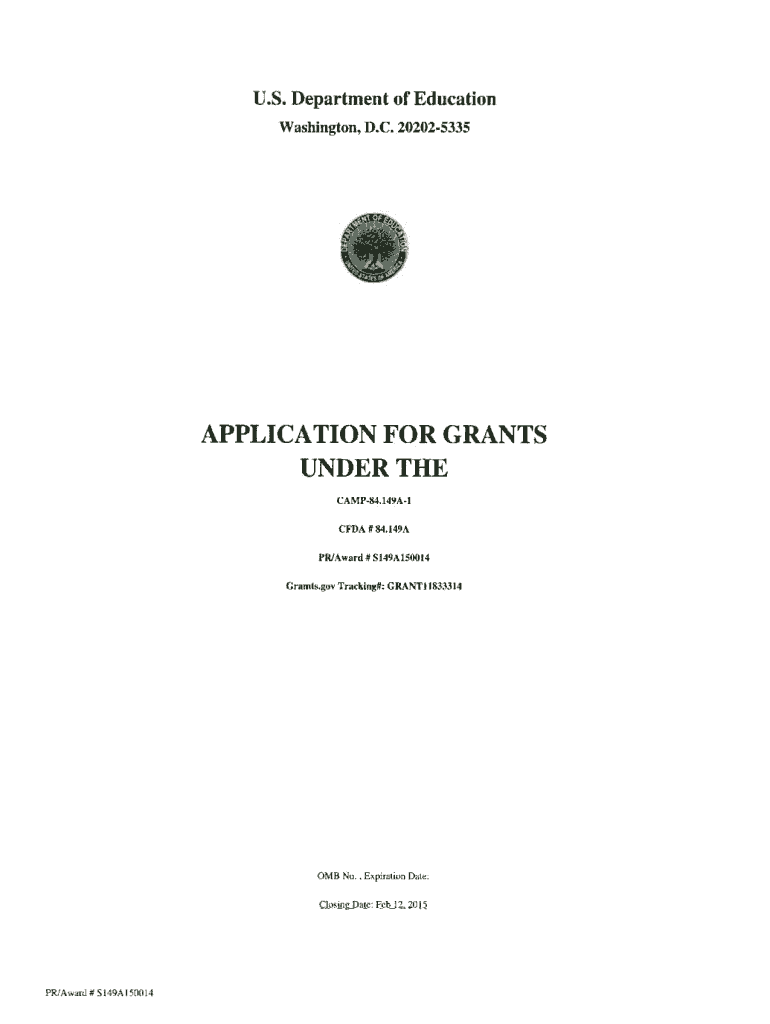
U.S. Department of EducationWashington, D.C. 202025335.APPLICATION FOR GRANTSUNDER THECAMP84.149AICFDA II 84.149APR/Award .JI S149A150014Gramts.gov Tradlingll: GRANTI 1833314OMB No.. Expiration Date:PR/Award#.
Loading

Open form follow the instructions

Easily sign the form with your finger

Send filled & signed form or save
How to fill out the ED GRANTI1833314 online
This guide provides a comprehensive, step-by-step approach to efficiently complete the ED GRANTI1833314 form online. You will gain insights into each component, ensuring that your application is thorough and accurate.
Follow the steps to complete your application seamlessly.
- Click ‘Get Form’ button to obtain the form and open it in the appropriate online platform.
- Begin with Section 1: Application for Federal Assistance. Fill in the 'Type of Submission' field, selecting the appropriate category that represents your application type, such as 'New' or 'Continuation'. Enter the date received and applicant identifier if necessary.
- Complete Section 8: Applicant Information. Provide the legal name of your institution, employer identification number (EIN), and address. Ensure that all fields are accurately filled out, including the contact information of the person overseeing the application.
- In Section 9, choose the applicant type from the provided dropdown menu, and identify the relevant federal agency, which in this case, is the U.S. Department of Education. Be diligent and ensure that the CFDA number is correctly entered.
- Provide information about the project, including the descriptive title and congressional districts affected by the project. Attach additional documents as needed to give a complete picture of the project's impact and reach.
- Fill out the proposed project timeline, including start and end dates, ensuring accuracy to reflect your expected project duration.
- Allocate the budget appropriately in the detailed budget narrative section. Provide precise figures for federal, applicant, and other funding sources while ensuring all budget items are justified.
- Proceed to the assurance and certification sections, reading all certification statements carefully before agreeing. Ensure that all required signatures are gathered digitally or physically as per the instructions.
- Lastly, review all inputted information for accuracy and completeness. Make adjustments if necessary before final submission. Users can save changes, download, print, or share the completed form for record-keeping.
Complete your documents online today to ensure a timely application process.
Experience a faster way to fill out and sign forms on the web. Access the most extensive library of templates available.
Related content
PR/Award# S149A150014. Page e3. Tracking Number:GRANTI 1833314. Funding Oppo rtunity...
Use professional pre-built templates to fill in and sign documents online faster. Get access to thousands of forms.
If you believe that this page should be taken down, please follow our DMCA take down process here.