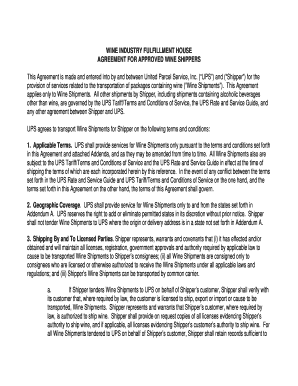
Get Inside Ups Wine Agreemen 2009-2026
How it works
-

Open form follow the instructions
-

Easily sign the form with your finger
-

Send filled & signed form or save
How to fill out the Inside Ups Wine Agreement online
This guide provides clear and detailed instructions for filling out the Inside Ups Wine Agreement online. Whether you are new to digital documentation or have some experience, this step-by-step approach will help you navigate the form with ease and confidence.
Follow the steps to complete the Inside Ups Wine Agreement.
- Click the 'Get Form' button to access the Inside Ups Wine Agreement. This will allow you to open the form in your preferred online editor. Ensure that you have a stable internet connection for smooth processing.
- Begin by filling in the party details. Enter the name of the shipper and their address in the designated fields. Make sure all entered information is accurate to avoid potential issues in processing.
- Review Section 1, which covers applicable terms. Ensure that you understand and agree to the terms and conditions specified for shipping wine. This includes acknowledging the governing UPS Tariff and Service Guide.
- In Section 2, Geographic Coverage, specify the states for origin and delivery as outlined in Addendum A. Make sure to verify that the stated addresses are permissible for shipping wine.
- Section 3 pertains to compliance with legal requirements. Provide proof that you and your consignees meet all necessary licensing and regulatory obligations for wine shipments.
- Fill in Section 5 to confirm your compliance with UPS's packaging and labeling requirements. Accurate information here is vital for smooth shipping processes.
- Complete Section 7 by selecting the 'Adult Signature Required' service. This is mandatory for all wine shipments to ensure compliance with age verification laws.
- In the final sections, include any additional required information. Review all data entered for accuracy and completeness.
- Once all fields are filled out, you may save your changes, download a copy, print the agreement, or share it as needed.
Take action now and fill out your Inside Ups Wine Agreement online to ensure your shipping complies with the regulations and serve your customers effectively.
You can determine if UPS will require a signature by checking the shipping details for your package. Generally, items like alcohol, valuable goods, and certain documents require a signature. For those shipping wine, following the guidance in the Inside Ups Wine Agreemen will provide clarity on the requirements. Always double-check your shipping confirmation to avoid any surprises.