Loading
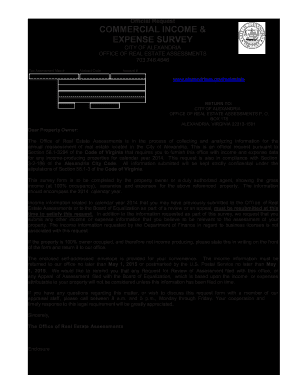
Get Va Commercial Income & Expense Survey 2014-2026
How it works
-

Open form follow the instructions
-

Easily sign the form with your finger
-

Send filled & signed form or save
How to fill out the VA Commercial Income & Expense Survey online
Completing the VA Commercial Income & Expense Survey is essential for property owners in the City of Alexandria to provide required income and expense data. This guide will help you navigate the process of filling out the survey online with clarity and confidence.
Follow the steps to successfully complete the survey.
- Click the ‘Get Form’ button to access the VA Commercial Income & Expense Survey and open it in your editing program.
- Begin by filling in the property owner's name, address, and relevant contact details in the designated fields.
- Provide the annual income details for calendar year 2014 by completing Section A. Ensure you enter amounts for rental potential incomes, vacancy losses, and any miscellaneous income.
- Next, move to Section B to accurately report annual expenses. Provide detailed information regarding utilities, maintenance, administrative costs, and insurance.
- If applicable, provide information on capital improvements or renovations completed during the reporting period in Section C.
- In Section D, fill out sales information, entering dates of acquisition and sale if relevant.
- Complete Section E regarding any premium attributes of the property and fill in any additional vacancy or tenant information in Sections F and G.
- Review all entries to ensure accuracy. Once satisfied, you can save changes to the form, and download, print, or share it as necessary.
Complete your VA Commercial Income & Expense Survey online for proper assessment compliance.