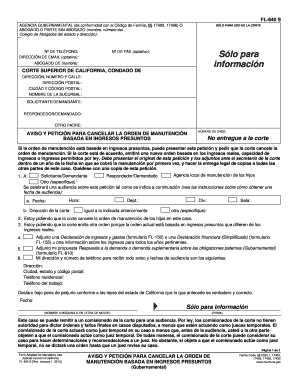
Get Ca Fl-640 S 2012-2026
How it works
-

Open form follow the instructions
-

Easily sign the form with your finger
-

Send filled & signed form or save
How to fill out and sign CA FL-640 S online?
Get your online template and fill it in using progressive features. Enjoy smart fillable fields and interactivity.Follow the simple instructions below:Tips on how to fill out, edit and sign CA FL-640 S online
How to edit CA FL-640 S: customize forms online
Say goodbye to an old-fashioned paper-based way of executing CA FL-640 S. Have the document filled out and signed in minutes with our professional online editor.
Are you challenged to revise and fill out CA FL-640 S? With a robust editor like ours, you can complete this task in only minutes without having to print and scan documents over and over again. We provide you with completely customizable and straightforward document templates that will become a starting point and help you complete the required form online.
All forms, by default, come with fillable fields you can execute once you open the template. However, if you need to polish the existing content of the form or add a new one, you can choose from various customization and annotation options. Highlight, blackout, and comment on the document; add checkmarks, lines, text boxes, graphics and notes, and comments. Additionally, you can easily certify the template with a legally-binding signature. The completed form can be shared with other people, stored, imported to external programs, or transformed into any other format.
You’ll never go wrong by choosing our web-based tool to execute CA FL-640 S because it's:
- Straightforward to set up and utilize, even for users who haven’t filled the documents online in the past.
- Powerful enough to accommodate various editing needs and document types.
- Safe and secure, making your editing experience safeguarded every time.
- Available across various devices, making it stress-free to complete the document from anywhere.
- Capable of creating forms based on ready-made templates.
- Friendly to various file formats: PDF, DOC, DOCX, PPT and JPEG etc.
Don't waste time completing your CA FL-640 S the old-fashioned way - with pen and paper. Use our feature-rich tool instead. It gives you a versatile set of editing options, built-in eSignature capabilities, and ease of use. What makes it stand out is the team collaboration options - you can collaborate on forms with anyone, create a well-organized document approval flow from A to Z, and a lot more. Try our online tool and get the best value for your money!