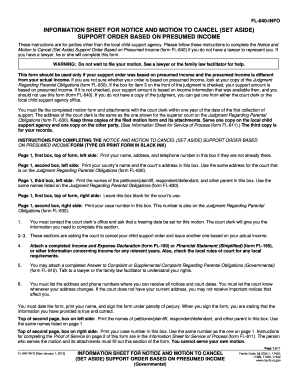
Get Ca Fl-640-info 2012-2026
How it works
-

Open form follow the instructions
-

Easily sign the form with your finger
-

Send filled & signed form or save
How to fill out and sign CA FL-640-INFO online?
Get your online template and fill it in using progressive features. Enjoy smart fillable fields and interactivity.Follow the simple instructions below:Tips on how to fill out, edit and sign CA FL-640-INFO online
How to edit CA FL-640-INFO: customize forms online
Sign and share CA FL-640-INFO along with any other business and personal documents online without wasting time and resources on printing and postal delivery. Get the most out of our online document editor with a built-in compliant eSignature option.
Approving and submitting CA FL-640-INFO documents electronically is quicker and more efficient than managing them on paper. However, it requires making use of online solutions that guarantee a high level of data safety and provide you with a compliant tool for creating eSignatures. Our powerful online editor is just the one you need to complete your CA FL-640-INFO and other individual and business or tax templates in an accurate and appropriate manner in accordance with all the requirements. It features all the necessary tools to easily and quickly complete, adjust, and sign documentation online and add Signature fields for other parties, specifying who and where should sign.
It takes only a few simple steps to fill out and sign CA FL-640-INFO online:
- Open the selected file for further processing.
- Use the top toolbar to add Text, Initials, Image, Check, and Cross marks to your template.
- Underline the most significant details and blackout or remove the sensitive ones if required.
- Click on the Sign option above and select how you prefer to eSign your document.
- Draw your signature, type it, upload its image, or use another option that suits you.
- Switch to the Edit Fillable Fileds panel and place Signature fields for other people.
- Click on Add Signer and enter your recipient’s email to assign this field to them.
- Check that all information provided is complete and precise before you click Done.
- Share your document with others using one of the available options.
When approving CA FL-640-INFO with our comprehensive online solution, you can always be sure to get it legally binding and court-admissible. Prepare and submit paperwork in the most beneficial way possible!