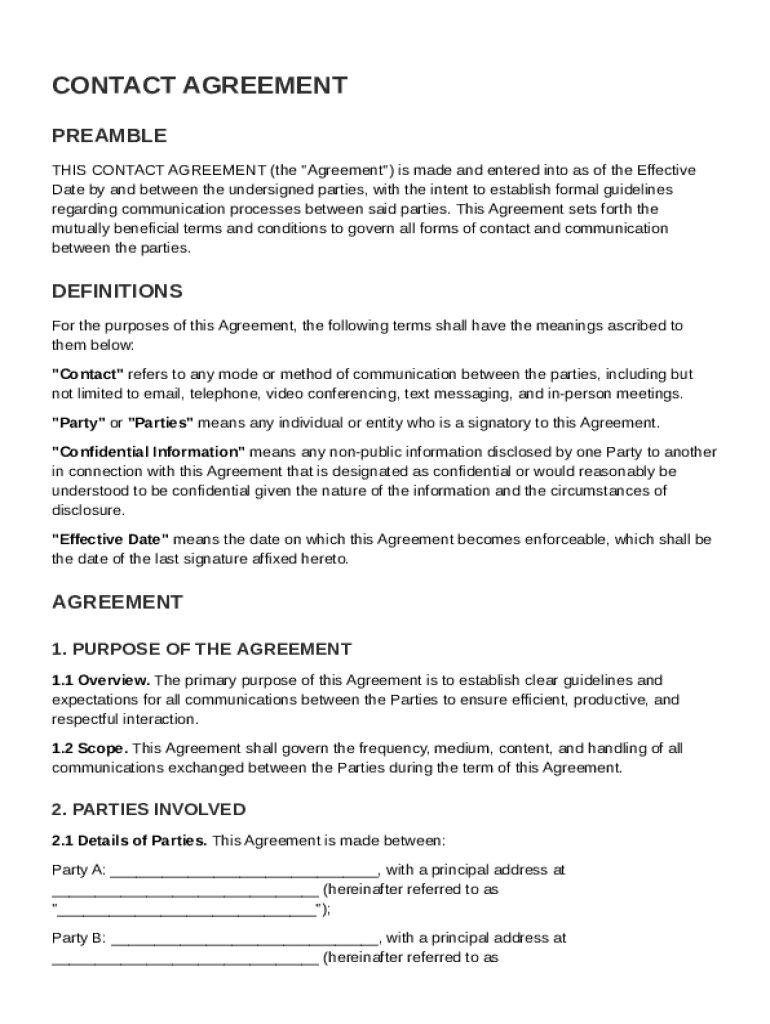
Ent to establish formal guidelines regarding communication processes between said parties. This Agreement sets forth the mutually beneficial terms and conditions to govern all forms of contact and communication between the parties. DEFINITIONS For the purposes of this Agreement, the following terms shall have the meanings ascribed to them below: "Contact" refers to any mode or method of communication between the parties, including but not limited to email, telephone, video conferencing, text me.

Open form follow the instructions

Easily sign the form with your finger

Send filled & signed form or save
How to fill out and sign Contact Agreement Template online?
Get your online template and fill it in using progressive features. Enjoy smart fillable fields and interactivity.Follow the simple instructions below:
The prep of lawful papers can be expensive and time-consuming. However, with our preconfigured web templates, things get simpler. Now, working with a Contact Agreement Template takes no more than 5 minutes. Our state-specific web-based samples and crystal-clear recommendations remove human-prone errors.
Adhere to our simple steps to get your Contact Agreement Template ready rapidly:
- Pick the template in the catalogue.
- Enter all required information in the required fillable areas. The intuitive drag&drop interface allows you to add or move fields.
- Check if everything is filled out properly, with no typos or absent blocks.
- Use your electronic signature to the PDF page.
- Click on Done to save the adjustments.
- Save the papers or print out your PDF version.
- Send immediately to the receiver.
Take advantage of the quick search and powerful cloud editor to generate a precise Contact Agreement Template. Get rid of the routine and create paperwork on the web!
Tips on how to fill out, edit and sign Contact Agreement Template online
How to fill and sign Contact Agreement Template
Get your online template and fill it in using progressive features. Enjoy smart fillable fields and interactivity.Follow the simple instructions below:
The prep of lawful papers can be expensive and time-consuming. However, with our preconfigured web templates, things get simpler. Now, working with a Contact Agreement Template takes no more than 5 minutes. Our state-specific web-based samples and crystal-clear recommendations remove human-prone errors.
Adhere to our simple steps to get your Contact Agreement Template ready rapidly:
- Pick the template in the catalogue.
- Enter all required information in the required fillable areas. The intuitive drag&drop interface allows you to add or move fields.
- Check if everything is filled out properly, with no typos or absent blocks.
- Use your electronic signature to the PDF page.
- Click on Done to save the adjustments.
- Save the papers or print out your PDF version.
- Send immediately to the receiver.
Take advantage of the quick search and powerful cloud editor to generate a precise Contact Agreement Template. Get rid of the routine and create paperwork on the web!
How to edit Contact Agreement Template
Use our comprehensive editor to turn a simple online template into a completed document. Continue reading to learn how to edit Contact Agreement Template online easily.
Once you discover an ideal Contact Agreement Template, all you have to do is adjust the template to your preferences or legal requirements. In addition to completing the fillable form with accurate information, you might need to erase some provisions in the document that are irrelevant to your case. On the other hand, you might want to add some missing conditions in the original template. Our advanced document editing features are the best way to fix and adjust the form.
The editor lets you modify the content of any form, even if the file is in PDF format. It is possible to add and remove text, insert fillable fields, and make extra changes while keeping the initial formatting of the document. You can also rearrange the structure of the form by changing page order.
You don’t have to print the Contact Agreement Template to sign it. The editor comes along with electronic signature functionality. Most of the forms already have signature fields. So, you only need to add your signature and request one from the other signing party via email.
Follow this step-by-step guide to build your Contact Agreement Template:
- Open the preferred template.
- Use the toolbar to adjust the template to your preferences.
- Fill out the form providing accurate details.
- Click on the signature field and add your electronic signature.
- Send the document for signature to other signers if necessary.
Once all parties complete the document, you will receive a signed copy which you can download, print, and share with others.
Our solutions allow you to save tons of your time and minimize the risk of an error in your documents. Enhance your document workflows with effective editing tools and a powerful eSignature solution.
How to fill and sign Contact Agreement Template
Get your online template and fill it in using progressive features. Enjoy smart fillable fields and interactivity.Follow the simple instructions below:
The prep of lawful papers can be expensive and time-consuming. However, with our preconfigured web templates, things get simpler. Now, working with a Contact Agreement Template takes no more than 5 minutes. Our state-specific web-based samples and crystal-clear recommendations remove human-prone errors.
Adhere to our simple steps to get your Contact Agreement Template ready rapidly:
- Pick the template in the catalogue.
- Enter all required information in the required fillable areas. The intuitive drag&drop interface allows you to add or move fields.
- Check if everything is filled out properly, with no typos or absent blocks.
- Use your electronic signature to the PDF page.
- Click on Done to save the adjustments.
- Save the papers or print out your PDF version.
- Send immediately to the receiver.
Take advantage of the quick search and powerful cloud editor to generate a precise Contact Agreement Template. Get rid of the routine and create paperwork on the web!
Experience a faster way to fill out and sign forms on the web. Access the most extensive library of templates available.
Related content
The City has created standard contract templates to ensure that appropriate terms and...
This template is intended to be used for short-term, low risk, and low dollar value...
Mar 24, 2022 — A solid consulting agreement should include the nature of services, fee...
Get answers to your most pressing questions about US Legal Forms API.
How to create a contract agreement?
Creating a contract agreement involves outlining the specific terms, conditions, and obligations of both parties. Begin by gathering relevant information and drafting the document clearly and concisely. For guidance, employing a Contact Agreement Template can simplify this process, ensuring you don't miss vital details.
How to get a contract agreement?
To get a contract agreement, you can either draft one from scratch or use a template from a trusted source. Online platforms, such as US Legal Forms, provide a variety of contract agreement templates that cater to different needs. Utilizing a Contact Agreement Template can save you time and ensure all necessary details are included.
Does Microsoft Word have a contract template?
Yes, Microsoft Word offers various contract templates that you can customize to suit your needs. These templates provide a good foundation, allowing you to create a contact agreement tailored to your specific situation. However, using specialized templates like a Contact Agreement Template from a legal forms site can offer more targeted options.
Can I just make my own contract?
Yes, you can make your own contract, but it’s important to follow legal guidelines to ensure its effectiveness. Clearly outline all terms and have both parties agree to them. To streamline the process, you might find a Contact Agreement Template useful, offering a solid framework for your contract.
How to make a legally binding contract with someone?
Creating a legally binding contract requires mutual agreement on the terms by both parties. Ensure that you include all necessary terms, signatures, and dates. Consult a legal professional if you have doubts. Consider using a Contact Agreement Template to guide you in creating a comprehensive document that meets legal standards.
How to make a contact agreement?
To make a contact agreement, first gather all key information about the involved parties and their intentions. Write down the terms, including responsibilities and timelines, using clear and concise language. Optionally, templates like a Contact Agreement Template can provide a structured format and help avoid common pitfalls.
How do I write my own agreement?
Writing your own agreement begins with understanding what you want to achieve. Clearly state the agreement's scope and include all necessary terms. You can draft the document yourself, but using a Contact Agreement Template from a reliable source can save time and ensure you include all critical details.
How do I write a simple contract agreement?
To write a simple contract agreement, start by clearly defining the parties involved and the purpose of the agreement. Outline the specific terms and conditions, including any obligations each party has. Ensure that both parties review and understand the document. Using a Contact Agreement Template can simplify this process, ensuring you cover all necessary elements.
Can I draft a contract without a lawyer?
Yes, you can draft a contract without a lawyer by using a Contact Agreement Template. These templates provide guidance on wording and necessary clauses. However, make sure you understand the terms and the implications of the agreement. It’s advisable to review it carefully or consult a legal professional if complex issues arise.
Use professional pre-built templates to fill in and sign documents online faster. Get access to thousands of forms.
If you believe that this page should be taken down, please follow our DMCA take down process here.