Loading
Get Ehr 5.6 System Administrator, File Maintenance, Template Editor, Template Import/export
How it works
-

Open form follow the instructions
-

Easily sign the form with your finger
-

Send filled & signed form or save
How to fill out the EHR 5.6 System Administrator, File Maintenance, Template Editor, Template Import/Export online
This guide provides a comprehensive overview of how to fill out the EHR 5.6 System Administrator, File Maintenance, Template Editor, and Template Import/Export form online. Users can follow these straightforward steps to ensure accurate completion and compliance with system requirements.
Follow the steps to effectively complete the EHR 5.6 form.
- Select the 'Get Form' button to retrieve the EHR 5.6 form and open it in the online editor for modifications.
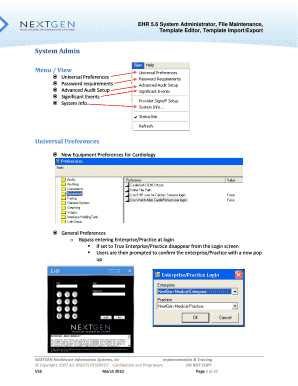
- Review the System Admin section, which includes Universal Preferences, Password Requirements, and Advanced Audit Setup. Ensure you understand the implications of each preference before making selections.
- Continue to the File Maintenance section. Here, modify and update essential data tables, ensuring that all entries comply with the current data management protocols.
- Navigate to the Template Editor area. Use the tools available for copying, pasting, and editing template fields and triggers, which will enhance the functionality of your templates.
- In the Template Import/Export section, utilize the updated user interface to import or export templates as needed. Be sure to verify each process for accuracy.
- Once all necessary fields are completed and reviewed for correctness, you can save your changes. Options to download, print, or share the completed form will be available at the end.
Complete your EHR 5.6 documentation online today for streamlined management and implementation.
Industry-leading security and compliance
US Legal Forms protects your data by complying with industry-specific security standards.
-
In businnes since 199725+ years providing professional legal documents.
-
Accredited businessGuarantees that a business meets BBB accreditation standards in the US and Canada.
-
Secured by BraintreeValidated Level 1 PCI DSS compliant payment gateway that accepts most major credit and debit card brands from across the globe.