Get Az Do 710 2025-2026
How it works
-

Open form follow the instructions
-

Easily sign the form with your finger
-

Send filled & signed form or save
How to use or fill out the AZ DO 710 online
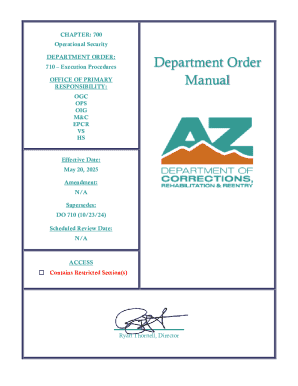
The AZ DO 710 form, titled 'Execution Procedures,' outlines the essential processes to be followed by the Arizona Department of Corrections when executing a death sentence. This guide provides clear, step-by-step instructions on how to fill out the form online, ensuring that users can navigate the process successfully.
Follow the steps to complete the AZ DO 710 online:
- Click the ‘Get Form’ button to retrieve the AZ DO 710 form and open it in your preferred document editor.
- Review the introductory information provided in the form. This section contains important details about the purpose and procedures outlined in the document.
- Fill out the 'Director’s Office Responsibilities' section. Ensure you provide the necessary notifications and confirmations as instructed.
- Proceed to the 'Complex and Director’s Office Responsibilities' part. Enter information related to any warrants that have been issued, as per the guidelines.
- Continue with the 'Execution Team Members' section, ensuring that all roles and responsibilities are clearly defined and documented.
- Complete the sections addressing 'Commutation Hearing Proceedings' and 'Designation of Witnesses by Director.' It's critical that all witness designations are accurate and compliant with legal standards.
- Fill in the required fields regarding 'State and Local Law Enforcement Briefing' and ensure all site checks are recorded as detailed.
- Finalize the completion of the form by filling out the sections related to timelines for execution activities. Document any changes that may arise during this process.
- Once all sections are completed, proceed to save changes. You may then have the option to download, print, or share the completed AZ DO 710 form.
Complete the AZ DO 710 form online for a streamlined execution procedure.
To file an Arizona Corporation annual report, visit the Arizona Corporation Commission's online portal. You'll need to log in using your account credentials and follow the prompts to complete your annual report submission. Be sure to keep track of deadlines to avoid penalties. If you seek guidance, the US Legal Forms platform offers user-friendly resources to help you navigate the filing process with ease.