Loading
Get Us Bank Changes To Reliacard 2013-2026
How it works
-

Open form follow the instructions
-

Easily sign the form with your finger
-

Send filled & signed form or save
How to fill out the US Bank Changes To ReliaCard online
Filling out the US Bank Changes To ReliaCard form online is a straightforward process. This guide will provide you with step-by-step instructions to ensure that you complete the form accurately and efficiently.
Follow the steps to complete your Changes To ReliaCard form.
- Press the ‘Get Form’ button to access the form and open it for editing.
- Begin by entering your personal information in the designated fields. This typically includes your full name, address, city, state, and zip code. Ensure all details are entered correctly to avoid any processing delays.
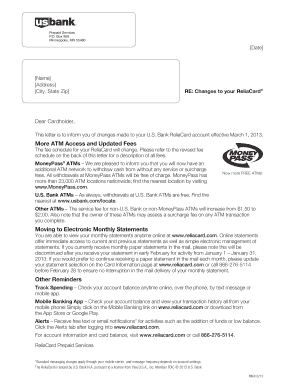
- Review the information provided in the form to ensure it accurately reflects any changes to your ReliaCard account. This may include updates to your monthly statement preferences or contact details.
- If applicable, indicate your preference for receiving electronic monthly statements instead of paper statements. Provide any necessary confirmation as directed in the form.
- Once you have completed all necessary sections, carefully review the form for any errors or omissions. Correct any mistakes before proceeding to the next step.
- After confirming all information is accurate, you can save changes, download a copy for your records, print the completed form, or share it as needed.
Complete your US Bank Changes To ReliaCard form online today for a seamless experience.
Here are the most common reasons: The card isn't activated. Attempts to exceed your daily transaction amount. Lack of available funds.