Loading
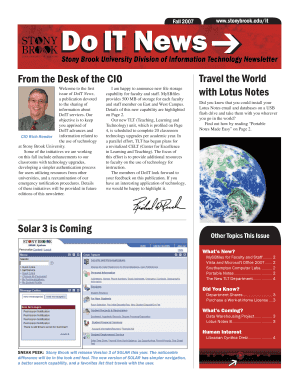
Get Do It Do It News Do It News - Division Of Information Technology ... - It Cc Stonybrook
How it works
-

Open form follow the instructions
-

Easily sign the form with your finger
-

Send filled & signed form or save
How to use or fill out the Do IT Do IT News Do IT News - Division Of Information Technology ... - It Cc Stonybrook online
This guide provides a comprehensive overview of how to fill out the Do IT Do IT News form from the Division of Information Technology at Stony Brook University. It aims to simplify the process and assist users in submitting their information effectively.
Follow the steps to accurately fill out the form online.
- Press the ‘Get Form’ button to access the form and open it in your online editor.
- Complete the required fields in the form. Make sure to fill in all sections accurately. This may include your name, department, and any relevant details specific to your request or submission.
- Review the information entered. Check for any errors or missing information to ensure the form is complete.
- Once all sections are filled out and reviewed, you can save your changes, download the form for your records, print a hard copy, or share the form with relevant parties as needed.
Complete your documents online to ensure timely processing and communication.
Current Students can find their SOLAR ID number on their Stony Brook ID Card or reach out to the Registrar's Office. If you do not remember your 9 Digit Stony Brook ID Number, also referred to as SOLAR ID or EMPL ID, you can perform a lookup using this tool.
Industry-leading security and compliance
US Legal Forms protects your data by complying with industry-specific security standards.
-
In businnes since 199725+ years providing professional legal documents.
-
Accredited businessGuarantees that a business meets BBB accreditation standards in the US and Canada.
-
Secured by BraintreeValidated Level 1 PCI DSS compliant payment gateway that accepts most major credit and debit card brands from across the globe.