Loading
Get Closing Inventory
How it works
-

Open form follow the instructions
-

Easily sign the form with your finger
-

Send filled & signed form or save
How to fill out the Closing Inventory online
Completing the Closing Inventory is an essential part of documenting your agricultural project. This guide provides comprehensive, step-by-step instructions to help users navigate the form easily and accurately.
Follow the steps to effectively complete your Closing Inventory.
- Press ‘Get Form’ button to access the form and open it for editing.
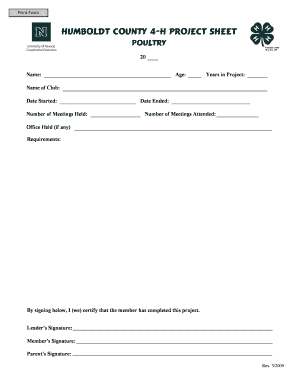
- Begin by filling out the top section, which includes your name, age, years in the project, club name, date started, and number of meetings held. Ensure all fields are completed accurately to reflect your participation.
- In the ending inventory section, list all animals with their kind, names or descriptions, number, value each, and total value. Ensure that the total value of each category is calculated correctly to provide an accurate assessment of your inventory.
- Move on to the equipment and facilities inventory section. List out all items, including buildings, coop, and tools used during the project. Again, input the number and the value for each item to ascertain their total value.
- Next, fill in the feed inventory. Indicate the type of feeds used, quantities, and respective values. This is important for calculating the total value of feed used.
- After completing the inventory sections, review the income and expenses tables. Document all relevant transactions that occurred during the project, ensuring to cover all areas such as equipment purchases and sales.
- Finally, calculate the financial summary, including total income and expenses. Record profits or losses to provide a complete financial picture of your project.
- Once you have filled out all sections and double-checked for accuracy, save your changes, download, print, or share the completed form as required.
Start completing your Closing Inventory online today for a comprehensive record of your project!
Industry-leading security and compliance
US Legal Forms protects your data by complying with industry-specific security standards.
-
In businnes since 199725+ years providing professional legal documents.
-
Accredited businessGuarantees that a business meets BBB accreditation standards in the US and Canada.
-
Secured by BraintreeValidated Level 1 PCI DSS compliant payment gateway that accepts most major credit and debit card brands from across the globe.