Loading
Get Rosa International Middle School Parent/guardian Authorization 2011-2026
How it works
-

Open form follow the instructions
-

Easily sign the form with your finger
-

Send filled & signed form or save
How to fill out the Rosa International Middle School Parent/Guardian Authorization online
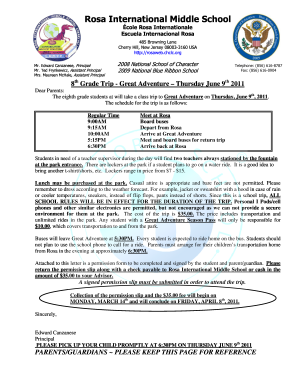
Filling out the Rosa International Middle School Parent/Guardian Authorization is an essential step for ensuring your child's participation in the upcoming eighth-grade class trip. This guide will provide you with clear and concise instructions to help you complete the form accurately and efficiently.
Follow the steps to complete the authorization form online.
- Click ‘Get Form’ button to access the authorization form and open it in the editor.
- Fill in the student's name in the designated field. Ensure to print the name clearly.
- Enter the name of the student's advisor in the appropriate space provided on the form.
- Choose the appropriate statement by marking the checkbox for either authorizing or not authorizing the student to attend the trip.
- Sign the form where indicated for both the student and parent/guardian acknowledging understanding of school rules and the trip's details.
- Provide the home phone number of the parent or guardian in the specified section.
- Fill out two emergency contact numbers, including the names and phone numbers of relatives or neighbors who can be reached if necessary.
- Review all entered information for accuracy, then save the changes, and follow through with downloading or printing the completed form.
- Submit the signed form along with the $35.00 fee to the student's advisor before the deadline.
Complete the Rosa International Middle School Parent/Guardian Authorization online today to ensure your child can participate in the trip.