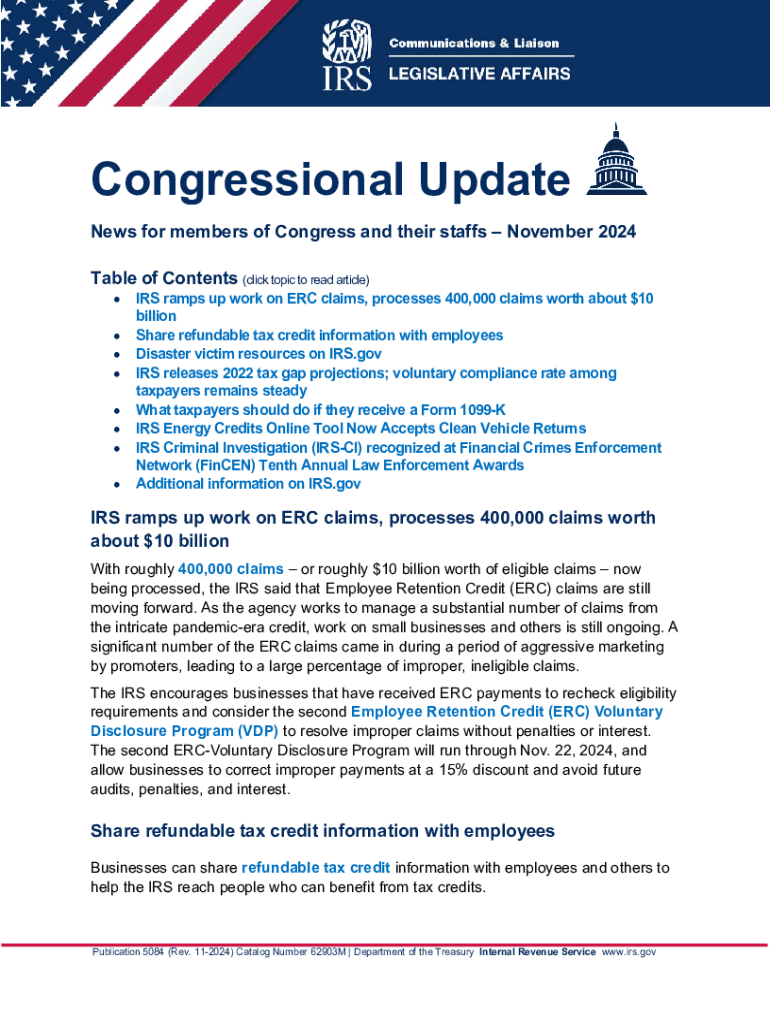
Congressional Update News for members of Congress and their staffs November 2024 Table of Contents (click topic to read article) IRS ramps up work on ERC claims, processes 400,000 claims worth.
Loading

Open form follow the instructions

Easily sign the form with your finger

Send filled & signed form or save
How to fill out the IRS Publication 5084 online
Filling out IRS Publication 5084 online is a straightforward process that requires attention to detail. This guide is designed to provide clear instructions on each section and field of the form, ensuring that users can complete it with confidence and accuracy.
Follow the steps to fill out IRS Publication 5084 online seamlessly.
- Click ‘Get Form’ button to obtain the IRS Publication 5084 form and open it for editing.
- Begin by reviewing the general instructions provided on the form. Familiarize yourself with the purpose of Publication 5084, which outlines eligibility for various tax credits.
- In the first section of the form, you will need to provide identifying information such as your name, address, and Social Security number or Employer Identification Number (EIN) if applicable. Ensure all information is accurate to prevent delays.
- Move to the next sections detailing the specific tax credits you are claiming. Carefully read each description and check the boxes that apply to your situation.
- If there are any calculations required, follow the guidance provided to complete these accurately. Double-check your math to ensure compliance.
- Final sections may require signatures and dates. Make sure you sign where indicated and include the date next to your signature.
- After completing the form, review it thoroughly for any missing information or errors. Once satisfied, you can save your changes, download, or print the form for your records or submission.
Start accessing and completing your documents online today.
Experience a faster way to fill out and sign forms on the web. Access the most extensive library of templates available.
Related content
Oct 17, 2022 — Publication 5084 (Rev. 10-2022) Catalog Number 62903M Department of the...
Aug 9, 2018 — XXX-XX-5084. Tax Period Ending: Dec. 31, 2017. The following items reflect...
Dec 15, 2016 — For the latest information about developments related to Form 1040 and...
Get answers to your most pressing questions about US Legal Forms API.
What to bring to IRS appointment to verify identity in person?
Bring the following identity verification documents to your appointment: A valid federal or state government-issued picture identification, such as a driver's license, state ID, or passport.
Why am I getting a letter from IRS Philadelphia PA?
The IRS sends notices and letters for the following reasons: You have a balance due. You are due a larger or smaller refund. We have a question about your tax return.
What number can I call to verify my identity with the IRS?
Then, the taxpayer should call the IRS using the toll-free Identity Verification telephone number: (800) 830-5084. If the taxpayer did not file the return in question, they should still call the toll-free number to inform the IRS.
How do I verify my identity to the IRS?
Other Ways to Verify Your Identity Your 5071C letter, 5747C letter, 5447C letter, or 6331C letter. The Form 1040-series tax return for the year shown on the letter. Note: A Form W-2 or 1099 is not tax return. Any other prior year tax return, if you filed one. Any supporting W-2s, 1099s, Schedule C, Schedule F, etc.
How do I verify my identity for tax return?
There are two ways to verify your identity with the IRS: Online on the IRS' secure Identity Verification Service website, idverify.irs.gov or. By calling the toll-free number listed in your letter.
What is the IRS identity verification number?
An Identity Protection PIN (IP PIN) is a six-digit number that prevents someone else from filing a tax return using your Social Security number or Individual Taxpayer Identification Number. The IP PIN is known only to you and the IRS. It helps us verify your identity when you file your electronic or paper tax return.
What is the best time to call the IRS about identity verification?
A good rule of thumb: Call as early in the morning as possible. Phones are open from 7 a.m. to 7 p.m. (your local time) Monday to Friday, except: Residents of Hawaii and Alaska should follow Pacific time. Puerto Rico hours are 8 a.m. to 8 p.m. local time.
Is 800 830 5084 a real number?
If you are inside the U.S., contact the toll-free Identity Verification line at 800-830-5084. If you are outside the U.S., call the phone number listed in the letter for international callers, which is not toll-free.
Use professional pre-built templates to fill in and sign documents online faster. Get access to thousands of forms.
If you believe that this page should be taken down, please follow our DMCA take down process here.