Loading
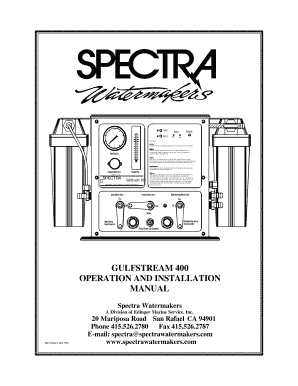
Get Spectra Watermakers Gulfstream 400 Manual 1999-2026
How it works
-

Open form follow the instructions
-

Easily sign the form with your finger
-

Send filled & signed form or save
How to fill out the Spectra Watermakers Gulfstream 400 Manual online
This guide will provide you with comprehensive instructions on how to effectively complete the Spectra Watermakers Gulfstream 400 Manual online. With clear steps and user-friendly language, you will be able to navigate each section of the manual with confidence.
Follow the steps to complete the manual with ease.
- Click 'Get Form' button to access the Spectra Watermakers Gulfstream 400 Manual.
- Begin by reviewing each section of the manual, starting with the introduction. Familiarize yourself with the purpose and key components of the manual.
- Proceed to the 'System Information' section, filling out the model number, serial number, date purchased, purchased from, and installation date in the provided fields.
- Move on to record 'Start-Up Performance Readings' after operating the system for 3 and 24 hours. Note the feed water temperature, battery voltage, amperage draw, feed pressure, and product water flow.
- Continue to the 'Shipping and Shopping Lists' to ensure you have all necessary components. You may want to check off items as you confirm possession.
- In the 'Normal Operation' section, take notes on how to effectively operate the watermaker. It may be helpful to highlight key operational practices.
- Ensure to complete the 'Maintenance' section by logging any maintenance performed or upcoming services required.
- Finally, review all entries for accuracy before saving or printing the filled-out manual for future reference.
Start completing your Spectra Watermakers Gulfstream 400 Manual online today!
Pressing the 'Fresh Water Flush' button flushes the watermaker with fresh water from the vessel's domestic water tanks. After com- pleting the flush, Spectra Connect will auto- matically enter the Auto Store mode.