Loading
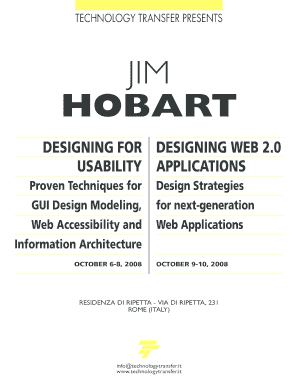
Get Designing For Usability - Technology Transfer
How it works
-

Open form follow the instructions
-

Easily sign the form with your finger
-

Send filled & signed form or save
How to fill out the Designing For Usability - Technology Transfer online
This guide provides clear and comprehensive instructions for filling out the Designing For Usability - Technology Transfer form online. By following these steps, users will ensure that their submissions are complete and meet the necessary requirements.
Follow the steps to successfully complete the form.
- Click ‘Get Form’ button to access the form and open it in your preferred editing tool.
- Enter your first name in the designated field to identify your application.
- Fill in your surname in the associated field, ensuring accuracy for registration purposes.
- Specify your job title to clarify your professional role in relation to the seminar.
- Provide the name of your organization in the appropriate section for verification.
- Enter your complete address in the designated fields for correspondence and registration.
- Fill out your postal code for accurate location identification.
- Indicate your city to assist in processing your registration.
- Specify your country to ensure proper geographical classification.
- Provide your telephone number for contact purposes related to the seminar.
- Fill in your fax number if available, for supplementary communication.
- Enter your email address for digital correspondence and confirmations.
- Once all fields are completed, check the accuracy of your information.
- After confirming that all information is correct, save your changes.
- Download, print, or share the completed form as needed for submission.
Complete your registration for the Designing For Usability seminar online today.
They're learnability, efficiency, memorability, errors, and satisfaction. These five attributes must be taken into consideration by the usability testing companies while designing a usability testing strategy.
Industry-leading security and compliance
US Legal Forms protects your data by complying with industry-specific security standards.
-
In businnes since 199725+ years providing professional legal documents.
-
Accredited businessGuarantees that a business meets BBB accreditation standards in the US and Canada.
-
Secured by BraintreeValidated Level 1 PCI DSS compliant payment gateway that accepts most major credit and debit card brands from across the globe.