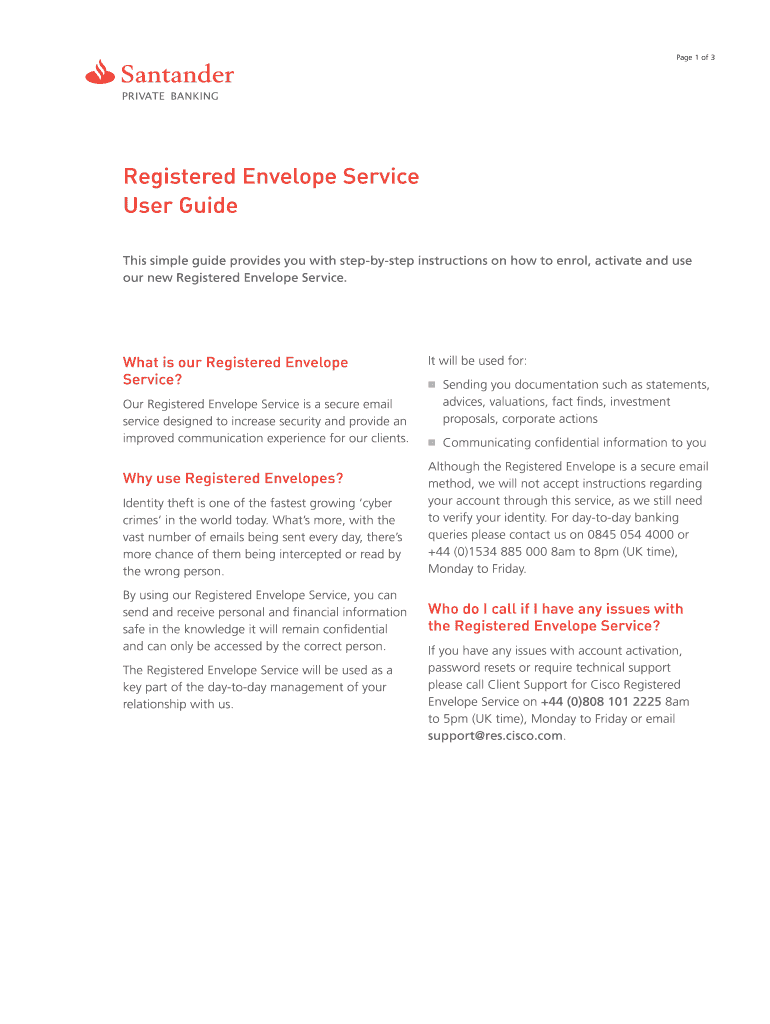
S our Registered Envelope Service? Our Registered Envelope Service is a secure email service designed to increase security and provide an improved communication experience for our clients. Why use Registered Envelopes? Identity theft is one of the fastest growing ‘cyber crimes’ in the world today. What’s more, with the vast number of emails being sent every day, there’s more chance of them being intercepted or read by the wrong person. By using our Registered Envelope Service, you can.

Open form follow the instructions

Easily sign the form with your finger

Send filled & signed form or save
How to fill out the JE Santander ABIN 0296 online
This guide provides comprehensive and user-friendly instructions for filling out the JE Santander ABIN 0296 form online. Follow these steps to ensure a smooth and secure completion of the document.
Follow the steps to successfully complete the form online.
- Click the ‘Get Form’ button to obtain the form and open it in your preferred web browser.
- On the opened form, review the instructions thoroughly to understand each section's requirements before beginning to fill it out.
- Enter your personal information as prompted in the designated fields. Make sure to provide accurate details, including your full name, address, and contact information.
- Follow the prompts for any additional information required, such as identification verification or other relevant documents means.
- Double-check all the information you have entered for accuracy to avoid any errors that could delay processing.
- Once completed, save your changes on the document. You may also download a copy, print the form, or share it with necessary parties.
Complete your documents online today for a seamless experience.
Experience a faster way to fill out and sign forms on the web. Access the most extensive library of templates available.
Related content
... Santander-Mexico Merchant processing portfolio of Citizens National Bank Credit card...
Dec 7, 2016 — The Center for the Study of Western Hemispheric Trade at Texas A&M...
Get answers to your most pressing questions about US Legal Forms API.
How to find Santander routing number?
To find your Santander routing number, look for it on the bottom left corner of your checks or in your online banking account settings. Additionally, you can find this number on bank statements. For queries related to JE Santander ABIN 0296, reaching out to customer support can also provide you with the accurate information you need.
What is your bank building society number?
Your bank's building society number is a crucial identifier that helps manage your accounts and transactions. It is usually distinct for various types of accounts. For specific inquiries about your building society number or how it relates to JE Santander ABIN 0296, it’s advisable to check your official documents or speak with Santander directly.
Where do I find my building society reference number?
You can typically find your building society reference number on account statements, within online banking, or printed on formal correspondence from your bank. If you have active communication with Santander, reviewing those documents is your best option. For matters relating to JE Santander ABIN 0296, engaging with customer support may also yield quick results.
How do I find my Santander branch code?
Finding your Santander branch code is quite straightforward. You can locate this code on your bank statement or through the online banking platform. Alternatively, the branch code can be found on your checkbook or by contacting customer service for help. For information specific to JE Santander ABIN 0296, make sure to have your account details ready when you reach out.
What building society is Santander?
Santander operates as a bank that has its roots in building societies. While no longer a traditional building society, Santander offers similar services, such as savings and mortgage products. They aim to provide tailored solutions to meet the needs of their customers. For inquiries related to JE Santander ABIN 0296, visit their website or contact their support team.
How to find Santander building society reference number?
To find your Santander building society reference number, start by checking your bank statement or online banking account. You can also find this number on documents provided by Santander, such as welcome letters or account summaries. If you still have trouble locating it, please reach out to Santander's customer service for further assistance, especially regarding JE Santander ABIN 0296.
What is my building society reference number Santander?
Your building society reference number with Santander is a unique identifier for your account. It usually appears on your account statements, online banking app, or checkbook. This number is essential for transactions, such as payments or transfers. If you need assistance with JE Santander ABIN 0296, consider checking your statements or contacting Santander directly.
Why is my bank transfer being rejected?
A bank transfer can be rejected for various reasons, such as providing incorrect account numbers or issues with the receiving bank. You might also face rejections for exceeding predetermined transfer limits or if your account lacks sufficient funds. To address these concerns efficiently, consider referencing JE Santander ABIN 0296 for best practices in handling transfers.
Why does Santander keep declining my payment?
If Santander keeps declining your payments, it could be due to an outdated payment method or insufficient funds. Additionally, recurring issues could arise from fraud prevention measures implemented by your bank. It's recommended to review your payment methods in conjunction with the guidelines from JE Santander ABIN 0296, ensuring all details are correctly aligned.
How do I fill out my bank account details?
Filling out your bank account details typically involves providing your account number, routing number, and your name as it appears on the account. Make sure to double-check the accuracy of this information to prevent errors during transactions. If you have questions about correct formats, JE Santander ABIN 0296 offers guidance to simplify the process.
Use professional pre-built templates to fill in and sign documents online faster. Get access to thousands of forms.
If you believe that this page should be taken down, please follow our DMCA take down process here.