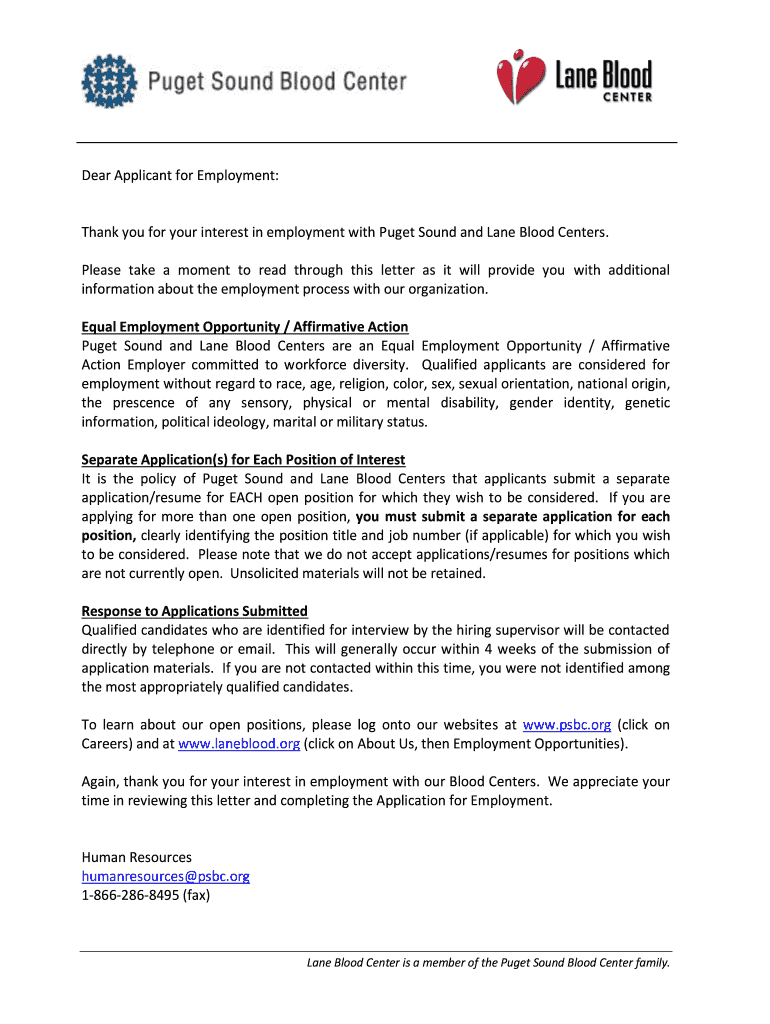
L information about the employment process with our organization. Equal Employment Opportunity / Affirmative Action Puget Sound and Lane Blood Centers are an Equal Employment Opportunity / Affirmative Action Employer committed to workforce diversity. Qualified applicants are considered for employment without regard to race, age, religion, color, sex, sexual orientation, national origin, the prescence of any sensory, physical or mental disability, gender identity, genetic information, political i.
Loading

Open form follow the instructions

Easily sign the form with your finger

Send filled & signed form or save
How to fill out the WA PSBC App for Employment online
Completing the WA PSBC App for Employment online is a straightforward process that allows you to express your interest in working with Puget Sound and Lane Blood Centers. This guide provides step-by-step instructions to assist you in filling out the application accurately and effectively.
Follow the steps to complete your application smoothly.
- Click the ‘Get Form’ button to obtain the application form and open it in the digital editor.
- Begin by filling out your personal information, including your name, contact details, and the position you are applying for. Ensure that your contact information is accurate, as this is how the organization will reach you.
- Indicate your availability by selecting whether you can work full-time, part-time, or temporarily. Additionally, specify the times you are available, such as days, evenings, or weekends.
- Complete the education section by providing details about your educational background. List the names and locations of schools attended, degrees earned, and graduation dates.
- In the employment history section, chronologically list your past ten years of employment. Include employer names, addresses, job titles, and reasons for leaving each position.
- If applicable, complete any sections regarding your licenses, including driver’s licenses or professional certifications.
- Review your application thoroughly to ensure all sections have been completed accurately and that no information is missing.
- Once you have filled out the form, save your changes. You may then choose to download, print, or share the application as required.
Complete your WA PSBC App for Employment online today to take the next step in your career.
Experience a faster way to fill out and sign forms on the web. Access the most extensive library of templates available.
Related content
Feb 29, 2020 — PSBC members help facilitate two-way communication between the first...
IMPORTANT NOTICE REGARDING APPLYING: Qualified applicants may submit a resume, but must...
The Model PSBC, a plastic belt curve conveyor, is also available and can be used in...
Get answers to your most pressing questions about US Legal Forms API.
How to fill out a standard application for employment?
To fill out a standard application for employment through the WA PSBC App for Employment, begin by entering your personal information accurately. Make sure to detail your work history and educational background in reverse chronological order. Additionally, take time to reflect on your skills and how they match the job requirements. After completing the application, carefully proofread everything to ensure clarity and accuracy.
How to write a standard application?
Writing a standard application for the WA PSBC App for Employment involves presenting your qualifications in a clear and concise manner. Start with an introduction that outlines your interest in the position. Then, highlight your relevant experience and skills, ensuring each point adds value. Lastly, include a professional closing statement that invites further discussion.
How do I fill out a standard application for employment?
To successfully complete a standard application for employment using the WA PSBC App for Employment, begin by gathering all relevant personal information, such as your contact details and employment history. Next, follow the prompts carefully, ensuring you provide accurate details about your skills and qualifications. Finally, review your application for any errors or omissions before submitting it, as this can increase your chances of getting noticed.
What are three things to avoid when filling out a job application?
When filling out the WA PSBC App for Employment, steer clear of ambiguous information. Always provide clear and relevant details about your qualifications. Secondly, avoid spelling and grammatical errors, as these can create a negative impression on potential employers. Finally, do not embellish your experience; honesty is crucial when applying for jobs.
What is the self-employment assistance program in Washington state?
The self-employment assistance program in Washington state is designed to support individuals who are looking to start their own businesses while receiving unemployment benefits. Participants can access training, mentoring, and business resources. If you are interested, the WA PSBC App for Employment can provide crucial details and help you explore this opportunity effectively.
How do I file a weekly claim for unemployment in WA?
To file a weekly claim for unemployment in Washington, you can use the online system or file by phone. You will need to provide information about your previous week's work and any earnings. The WA PSBC App for Employment can also assist you in accurately completing your weekly claims, ensuring you receive your benefits promptly.
What forms do I need to hire an employee in Washington state?
When hiring an employee in Washington state, you will need to complete and submit several forms, including the federal W-4 form for tax withholding and the Washington State Employment Security Department's new hire reporting form. Additionally, using the WA PSBC App for Employment can provide you with necessary documentation and resources for managing your hiring process efficiently.
What disqualifies you from unemployment in WA?
In Washington, several factors can disqualify you from receiving unemployment benefits, such as quitting your job without good cause, being fired for misconduct, or failing to meet work-search requirements. It’s essential to understand these disqualifications to avoid applying in vain. Using the WA PSBC App for Employment may help clarify eligibility before you apply.
How to apply for unemployment benefits in Washington state by phone?
To apply for unemployment benefits in Washington state by phone, you need to call the unemployment contact center. Make sure to have your personal information and employment history ready for verification. The WA PSBC App for Employment can also guide you through the process if you prefer to apply online instead.
How do I register for payroll in Washington state?
To register for payroll in Washington state, you need to obtain an employer account ID from the Washington State Employment Security Department. You can easily register online through their platform or utilize the WA PSBC App for Employment for guidance. After registration, ensure to comply with state payroll requirements to keep everything running smoothly.
Use professional pre-built templates to fill in and sign documents online faster. Get access to thousands of forms.
If you believe that this page should be taken down, please follow our DMCA take down process here.